
What a Desk Lift Mechanism Actually Is
Under the desktop of every height-adjustable desk sits a compact machine with one job: it converts a motor’s spin into a straight vertical push. That machine is the desk lift mechanism. Once you can name its parts, every claim on a spec sheet starts making sense, and most desk problems stop being mysteries.
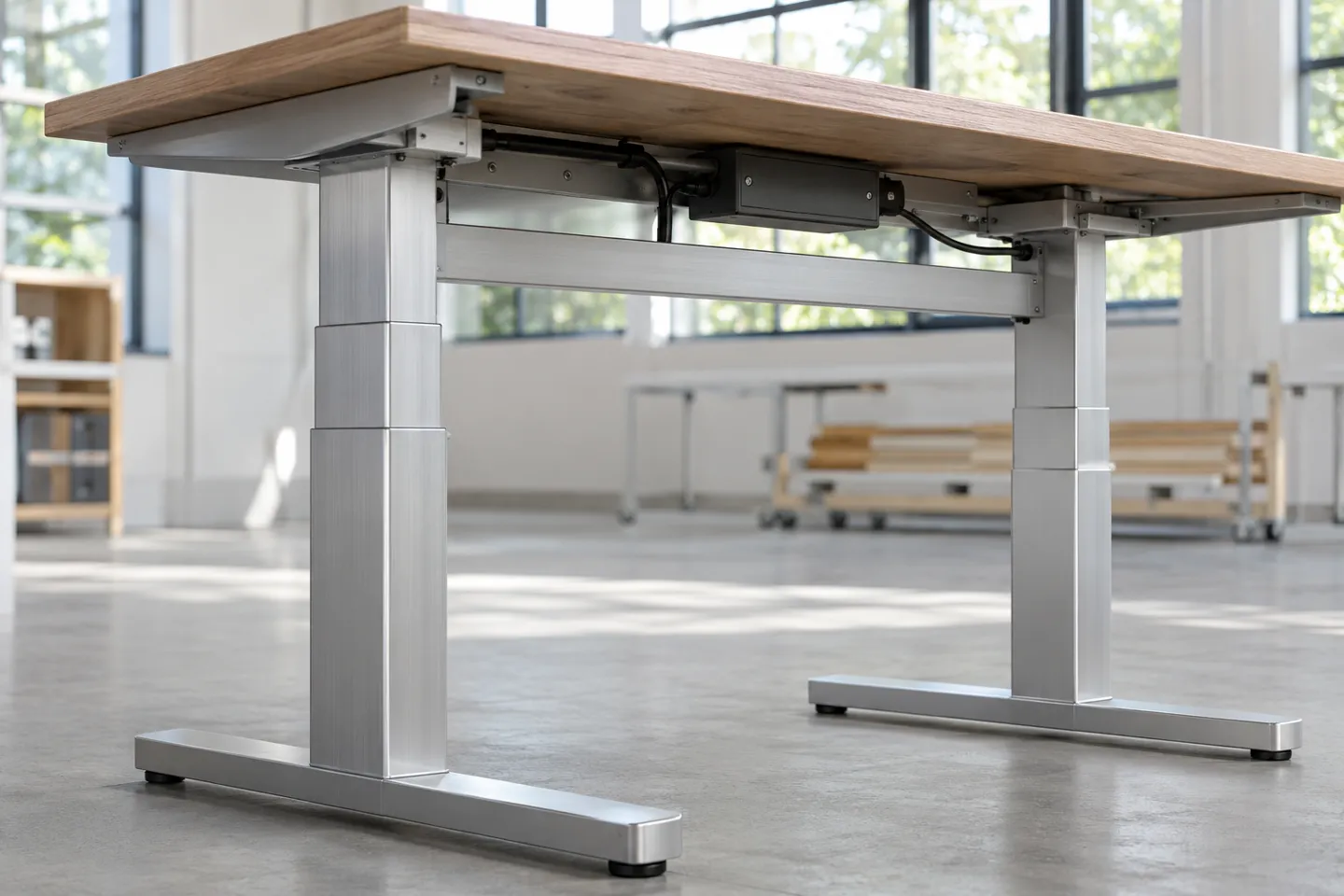
One clarification before the parts. Hydraulic trolleys that movers use to haul entire desks are also called desk lifts, and hardware stores sell small folding mechanisms under similar names. This article stays with the electric height-adjustment mechanism built into the desk itself, because that is what the search term overwhelmingly points to.
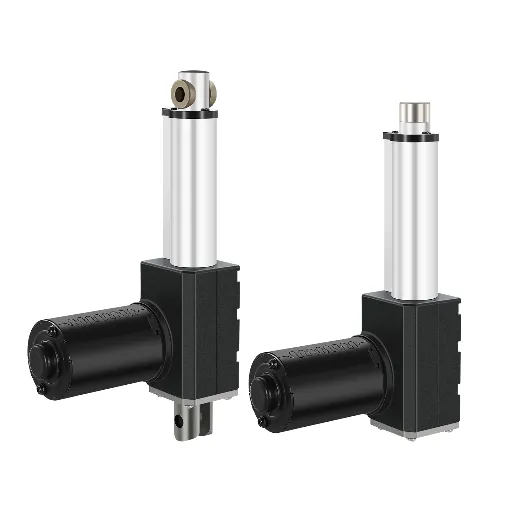
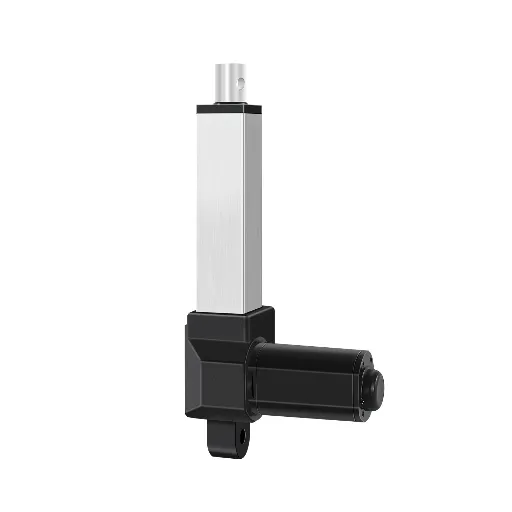
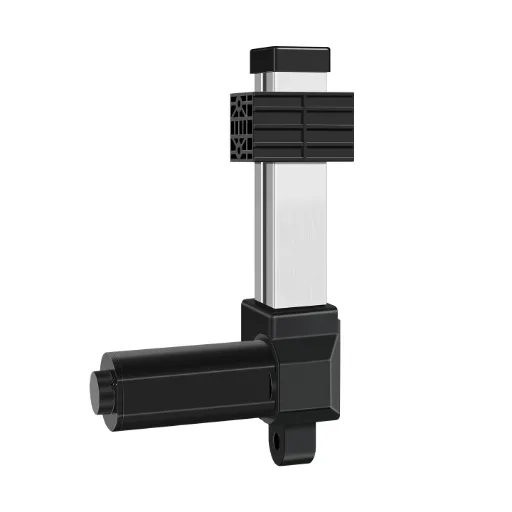
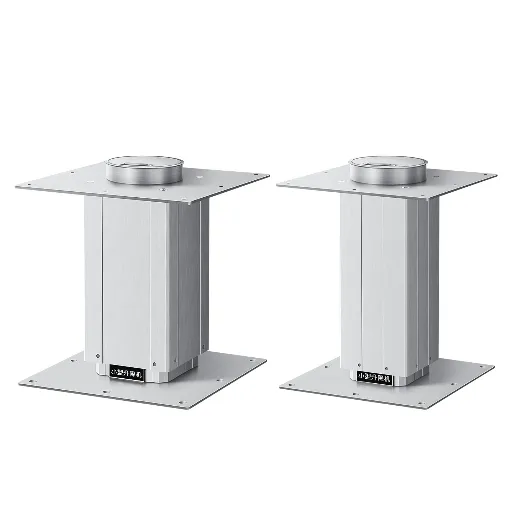
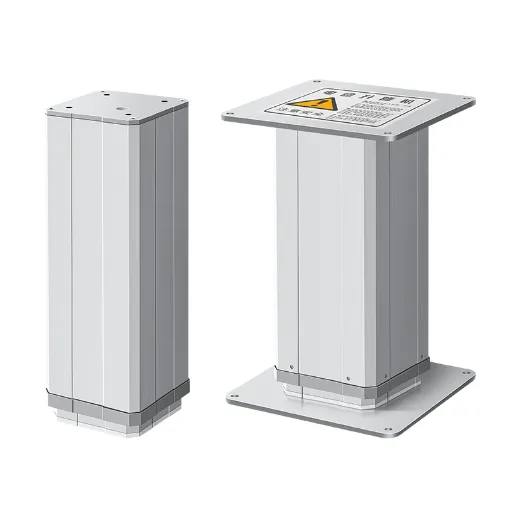
A complete electric system has four parts. The lifting columns are the telescopic legs, usually two or three of them, each a stack of nested aluminum tubes. A control box is the brain that powers and coordinates the columns. A keypad or touch panel gives you preset heights and memory buttons. A power supply feeds the whole system. Cheap frames merge some of these parts, but all four functions are always present.
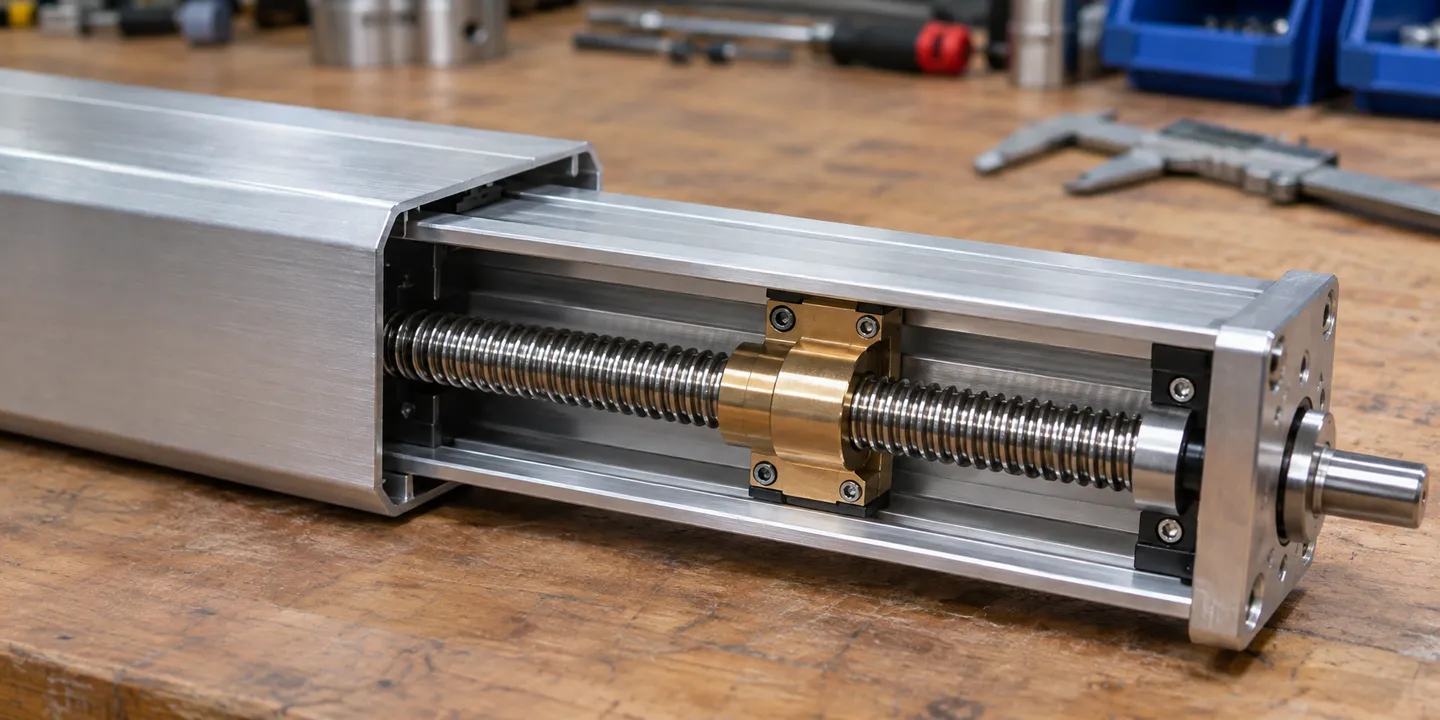
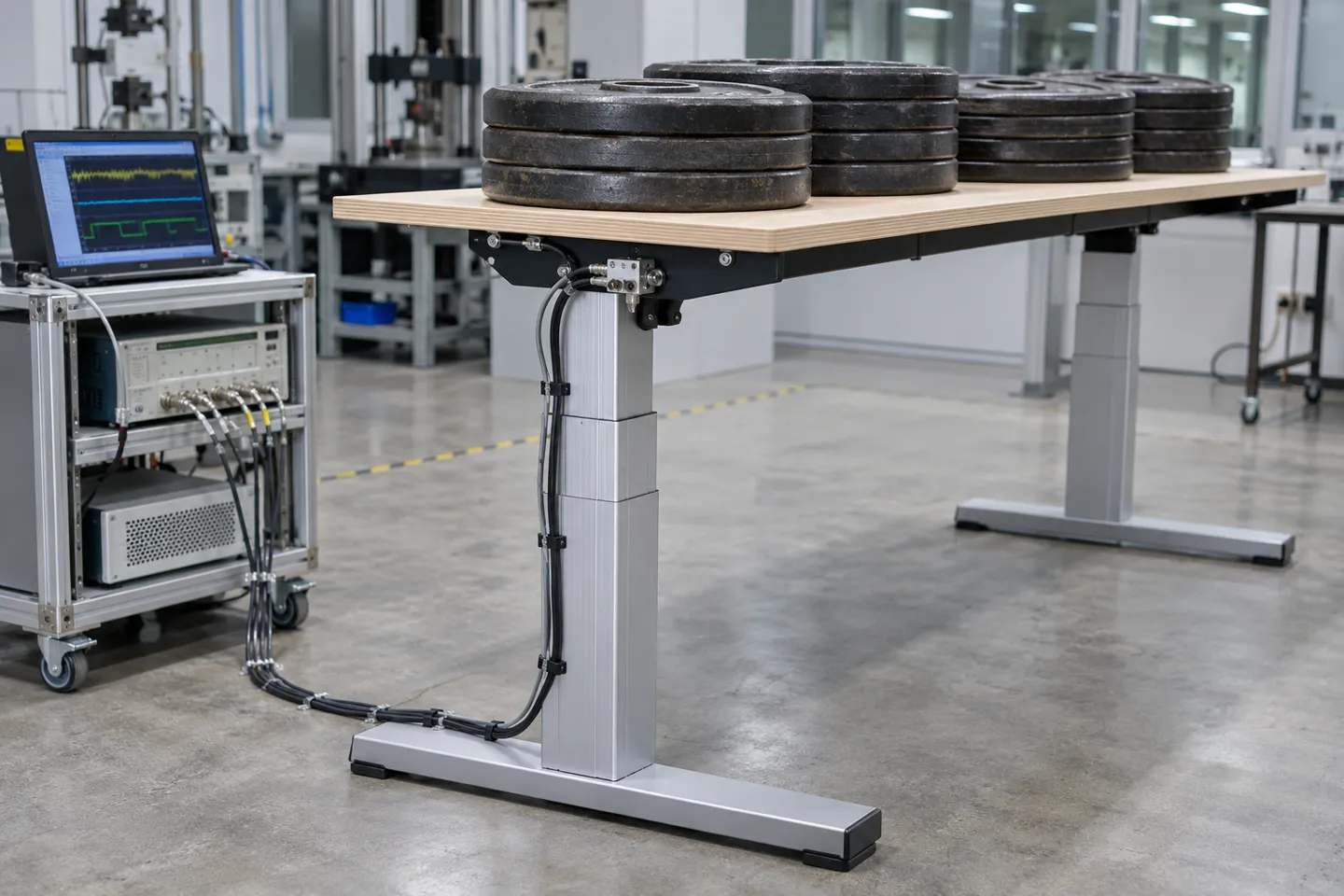
The working principle fits in one sentence per step. The motor spins a lead screw inside the column. The screw’s rotation drives a nut, and the nut pushes the innermost tube upward. When that tube reaches its end of travel, the next tube takes over, which is why a column extends smoothly through its whole range. A quality system holds height within about 1 mm (FIRGELLIAutomations, 2026). Desk systems in current designs lift loads up to 150 kg across heights from 60 to 130 cm (GreyB, 2025).
Desktop thickness matters more than people expect, because the columns clamp to it. Common desktops run from 1.9 to 5.1 cm, and column brackets are designed around that span (Jiecang, 2023). Check thickness before you check anything else about a frame.
How Drive and Transmission Choices Shape Noise and Lifespan
Every quiet desk and every noisy desk carries the same four parts. What separates them sits inside the column: the drive principle, the transmission, and above all the gear material. These choices decide noise, lifespan, and how the mechanism ages, long before “motor quality” enters the picture.
Electric lead-screw drive dominates the desk market for good reasons. It is self-locking, so a desk holds its height with power off instead of sinking. It is compact enough to hide inside a leg. And it needs no fluid, no air line, and almost no maintenance.
| Drive type | How it works | Desk suitability | Watch out for |
|---|---|---|---|
| Electric lead screw | Motor spins a screw, nut pushes tube up | The mainstream choice for desks | Duty limits and gear wear, both fixable by spec |
| Hydraulic | Fluid pressure pushes a piston | Not practical under a desktop | Pump noise, leaks, maintenance access |
| Pneumatic | Compressed air drives a cylinder | Niche only | Needs an air source, sealing ages into leaks |
| Manual (gas spring or crank) | Your effort, assisted | Budget or low-frequency use | No presets, slow transitions, effort scales with load |
The transmission converts motor speed into usable force, and here the screw type matters. A trapezoidal (T-type) lead screw is affordable and self-locking, which suits occasional home use. A ball screw circulates ball bearings inside its nut, so less energy turns into friction. It runs cooler and survives frequent cycling, which is why frequent-use industrial workstations specify it. Belt drives appear in low-cost long-stroke designs, where they trade precision for price.
Then the gears. Most column noise is not the motor humming. It is gear teeth meshing and the screw rubbing its nut. Steel gear sets are tough, but as their teeth wear, the mesh loosens and the noise grows year by year. POM is a self-lubricating engineering plastic, and columns built with it mesh more quietly from day one. The same material also wears more slowly in normal indoor use, which is how well-made lifting columns hold rated noise below 50 dB (typical specification, 2026). This is the counterintuitive part: the quiet mechanism is usually also the long-lived one, because both traits trace back to the same material decision. Premium open-plan-office targets go further, at or under 45 dB (Jiecang, 2023).
Published speed figures come with a hidden condition. Entry single-motor frames run about 25 to 32 mm per second and dual-motor frames about 35 to 38 mm per second without load (FIRGELLIAutomations, 2026). Loaded speed is lower. Keep that in mind for the next section, because load is exactly where marketing numbers start to drift.
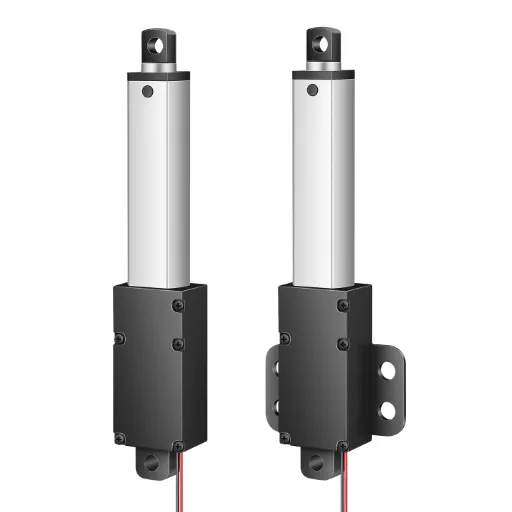
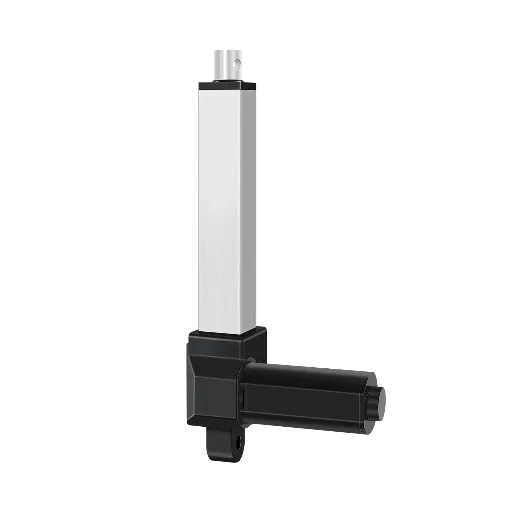
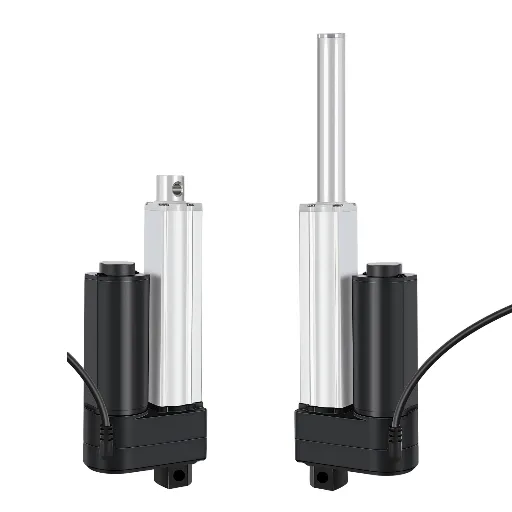
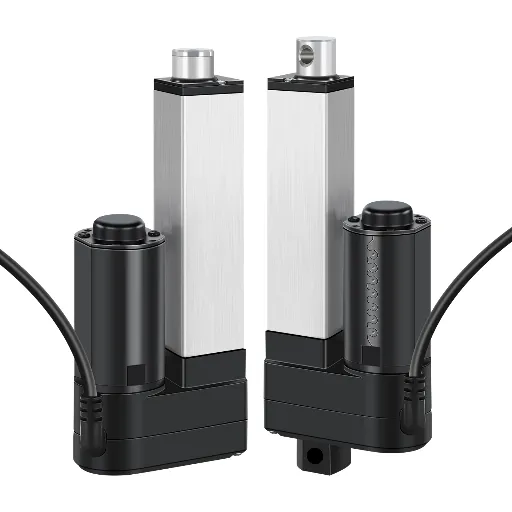
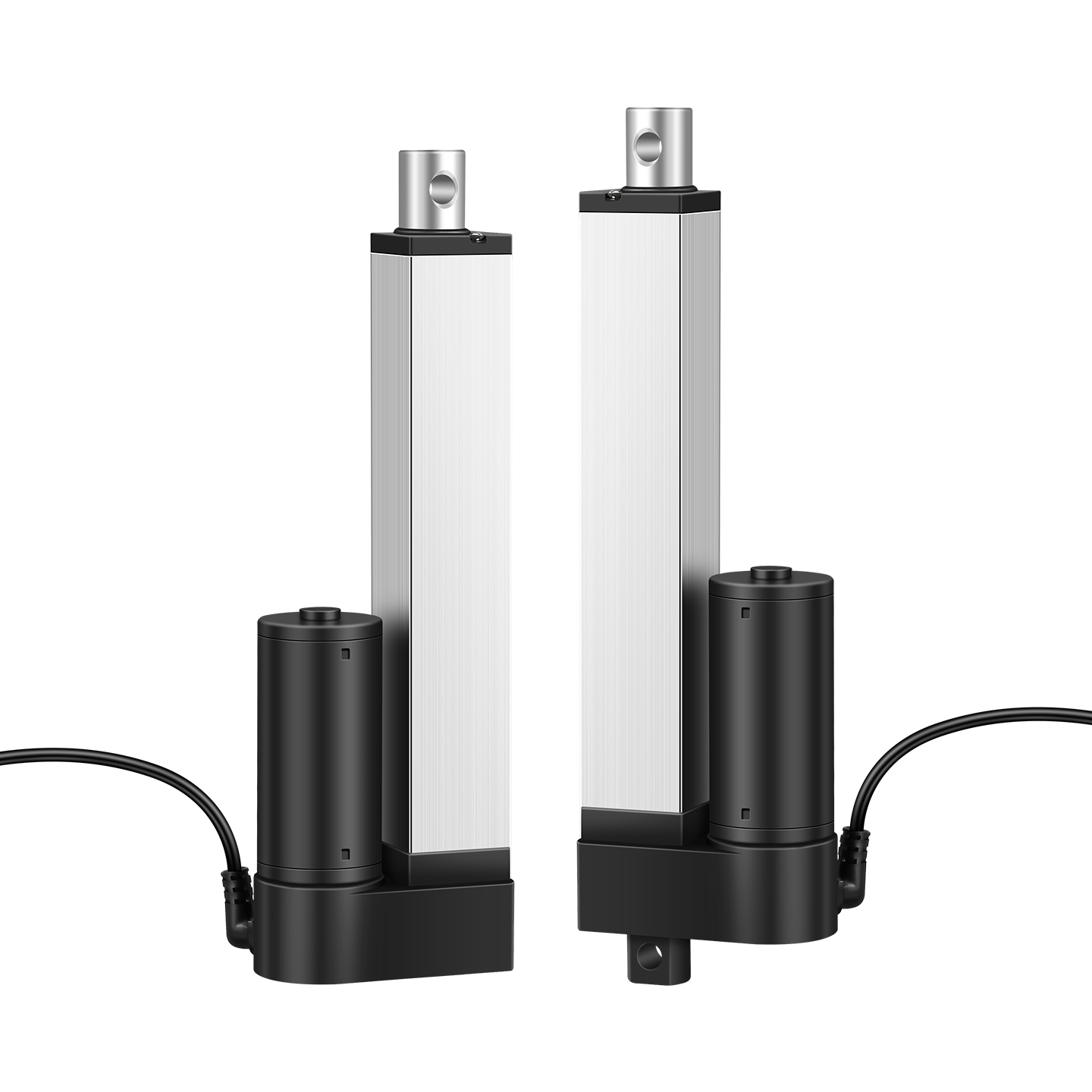
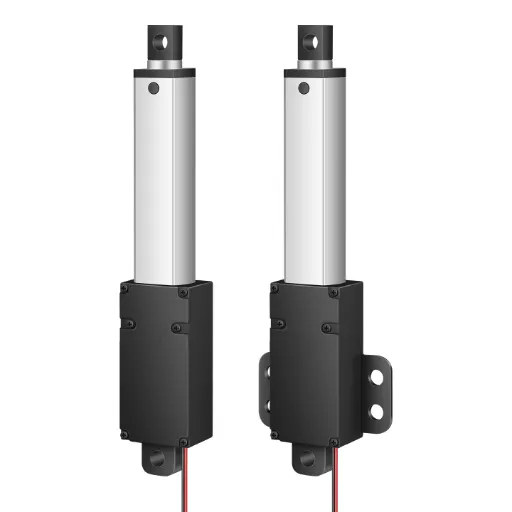
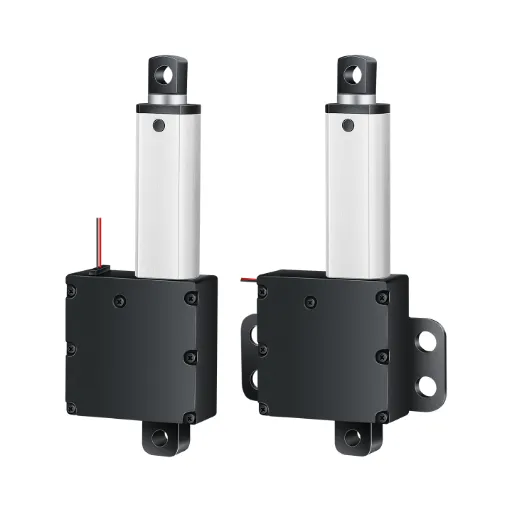
Two edges of the territory, one line each. Micro rod actuators handle small hidden lifts inside cabinets and bed frames. Hydraulic and pneumatic drives belong on industrial gates and bollards, not under a desktop.
Picking the Form Factor: Stages, Motors, Synchronization
With the drive principle settled, two form decisions remain, and they shape everything from wobble at full height to how much desk you can fit. Get these right and the rest of the spec falls into place. Get them wrong and no amount of motor upgrades will fix the result.
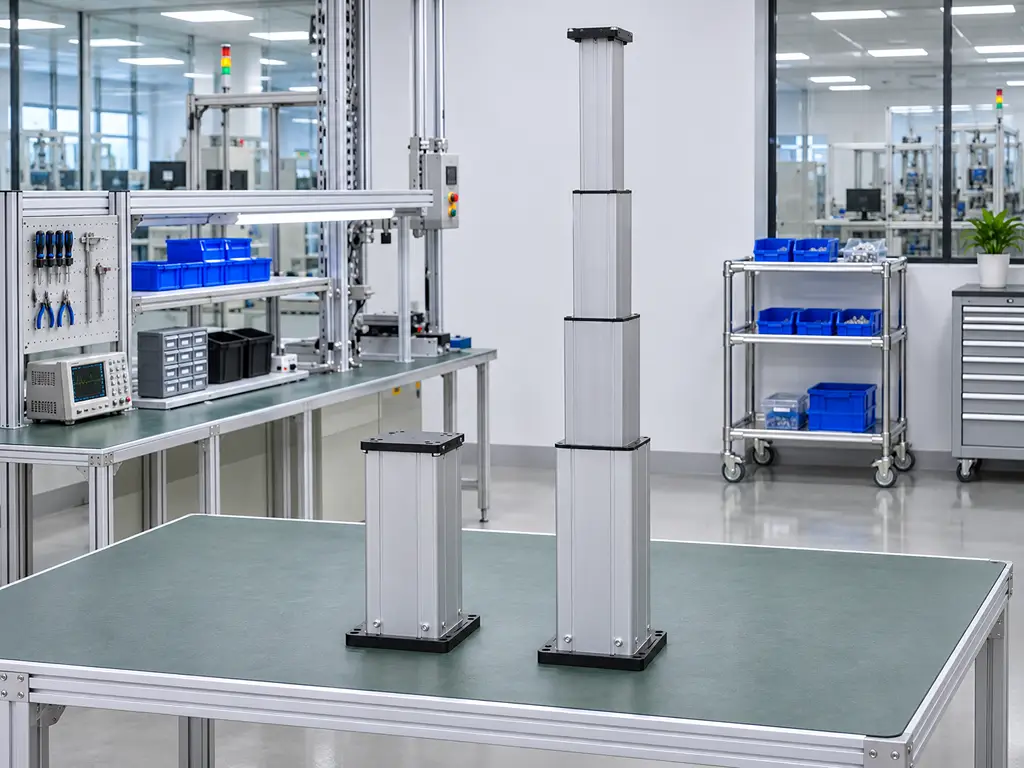
Stage count is the first decision. A 1-stage column is a single fixed tube, cheap and short-travel, fine for a riser or a small lift. A 2-stage column balances cost, stroke, and stability, which is why it dominates mid-market desks. A 3-stage column adds a third nested tube, so it reaches taller heights from a shorter retracted length. Choose it when you need a wide height range on a compact footprint. A 4-stage column exists for specialty long-stroke builds and rarely makes sense under a desk. The trade sits in the stroke-to-retracted-length ratio and in stiffness at full extension, because every additional sliding interface adds a little play.
Motor layout is the second decision. A single-motor frame drives two or more columns through one motor and a mechanical linkage, usually a drive shaft under the desktop. It keeps cost down and synchronizes by physics, not software, but speed drops with every added column and desk width tops out around 60 inches (FIRGELLIAutomations, 2026). A dual-motor frame gives each column its own motor and lets the control box keep them level, which is how full-size desks reach 84 inches and faster lift speeds. Synchronization in a dual-motor desk is an ongoing conversation: the control box reads each column’s feedback, compares heights many times per second, and corrects drift before you can see it. When that conversation fails, you get the classic one-side-stuck failure, which Section 5 dissects.
A quick self-check before you commit:
Form factor self-check
Measure your height range need: sitting floor to standing eye level, add margin.
Check retracted length limit: knee clearance and drawer space cap the column’s closed height.
Weigh the desktop plus everything on it, then pick the stage count that keeps stiffness at full height.
Decide desk width: under 60 inches, single motor is viable; wider or heavier, go dual.
Decide smart features now, not later: memory presets, anti-collision, and hall-sensor feedback all route through the control box.
The trend line is worth reading before you order anything. Dual motors, anti-collision sensing, and memory presets have migrated from premium desks into mid-market standard equipment over the past few product cycles. A frame designed for a basic switch-only kit is hard to upgrade later. Presets and anti-collision live in the control box and the feedback wiring, not in a bolt-on part. Specify the end-state configuration now, even if you ship the simple version first.
Sizing and Specifying: Load, Duty Cycle, Feedback
This is the section to bookmark if you build, resell, or procure desk systems. The spec sheet determines warranty claims two years out. Four checks separate a mechanism that lasts from one that generates support tickets.
Hoodland sizes columns against exactly these checks every week: send your load, duty cycle and stroke numbers, and an engineer comes back with a spec-backed column recommendation.
Send my spec for reviewLoad: the calculation that keeps you honest
Start with real weight, not catalog weight. Add the desktop, two monitors, a laptop stand, speakers, and anything mounted forward of the columns. Then add a 20 to 30 percent safety margin on top of the total (Jiecang, 2023). Load classes give you a vocabulary for the result: light-duty frames carry 50 to 80 kg, mid-duty frames 80 to 120 kg, and heavy-duty frames 120 kg and up.
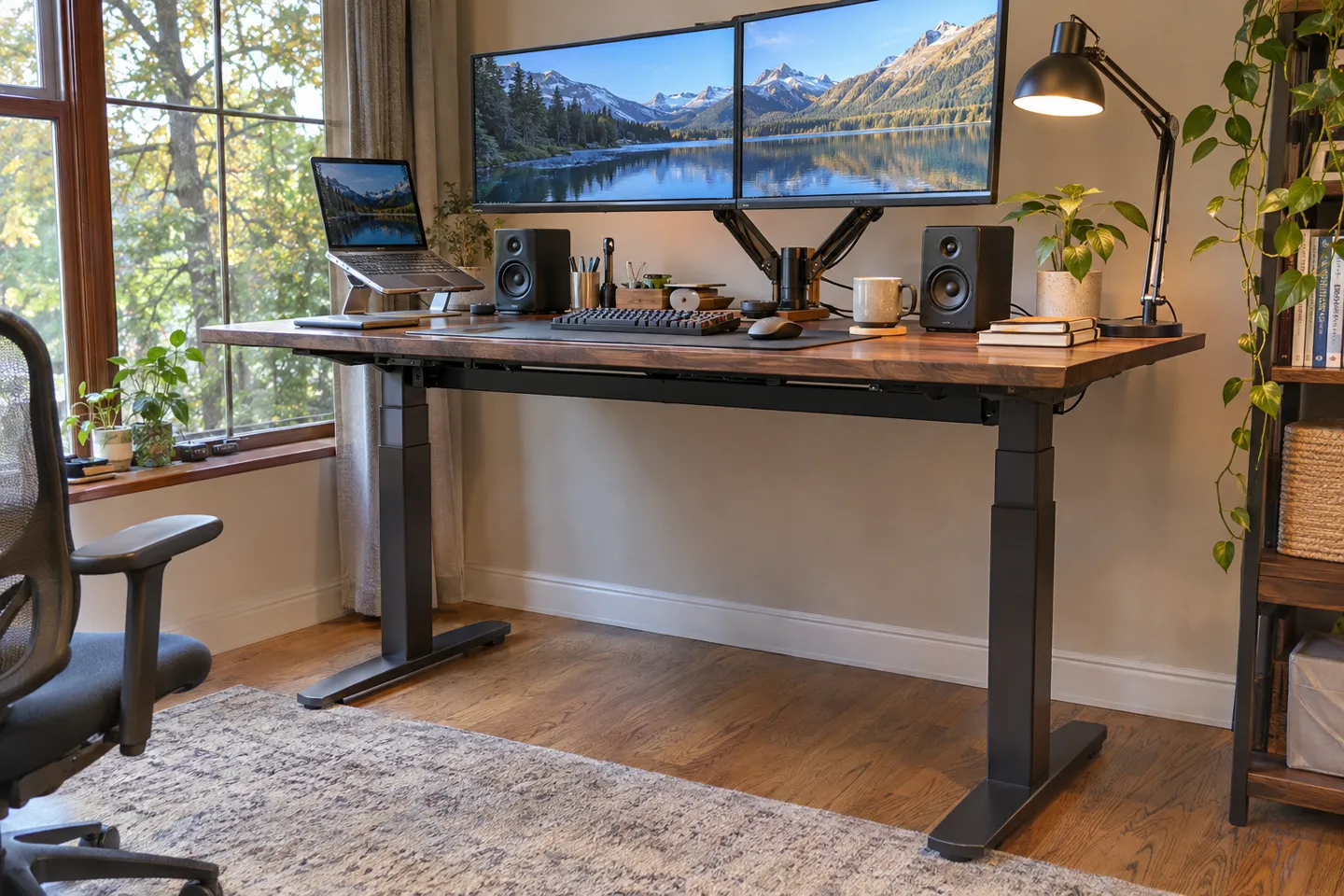
Next, separate the three load types that spec sheets blur together. Static load is what the desk holds while standing still, and it is the friendliest number on the page. Dynamic load is what the motors lift while moving, and it is always lower. Side load is the force applied off-axis: a monitor arm pushed forward, an elbow leaning on the edge, a child hanging on the front. Side load is the quiet killer. A column must guide the load, not just push it, and asymmetric loading is what binds the tubes and wears the bushings (FIRGELLIAutomations, 2026). Retail ratings wander all over the map. One popular budget frame claims 208 lb, other desks claim 264 lb, and four-column sets claim up to 700 lb. Industry reviewers openly question how much those numbers mean in practice (WorkWhileWalking, 2020). Entry mechanisms genuinely support 150 to 220 lb while professional dual-motor systems handle 300 to 350 lb (FIRGELLIAutomations, 2026). Verify side-load capacity with the supplier directly; almost none of it appears in retail tables.
Load calculation chain
Total the real weight: desktop + mounted equipment + expected user abuse.
Add 20-30% safety margin.
Check dynamic rating, not just static rating, against the result.
Estimate side load: monitor arms forward of the column multiply it.
Confirm the column guides the load: ask for wall thickness and bushing specs, not just the headline number.
Speed and duty cycle: why desks pause mid-travel
Every column carries a duty rating, and almost every buyer skips it. Typical desk-column spec sheets list duty around 10 percent with a two-minute continuous-run cap (typical specification, 2026). That means roughly six seconds of motion per minute of use, sustained. Exceed it and thermal protection cuts the motor, which feels like a fault and is actually the protection doing its job. A desk that stops mid-travel after a long day of constant adjustment is cooling down, not dying. The same physics explains why cheap desks die young: motors sized without duty margin cook themselves in offices where the desk moves twenty times a day.
Speed also degrades with load. One widely sold budget frame is documented to slow noticeably as the load rises (BTOD, 2026), because the motor’s torque curve meets the screw’s resistance profile. If a spec sheet quotes one speed with no load condition, assume it is the no-load figure and discount it.
Feedback and safety: what the control box needs to know
Position feedback comes in a ladder of cost and capability. No feedback means the control box is flying blind: presets drift over time. A magnetic switch marks the top and bottom of travel and not much else. A hall sensor counts increments inside the column, which is what makes 1 mm accuracy, reliable memory presets, and true multi-column synchronization possible. A potentiometer reports absolute position continuously and suits applications that need to know position after a power loss. Anti-collision detection works through current sensing in the control box: when the motor meets sudden resistance, the desk reverses a short distance. That feature protects children, cables, and furniture, and it has quietly become an expected feature in office procurement.
The scenario matrix: configuration and failure boundary by application
| Application | Recommended configuration | Failure boundary: verify before you commit |
|---|---|---|
| Home office desk | 2-stage columns, single motor up to 60 in, magnetic switch or hall, anti-collision | Verify retracted height fits knee clearance; over-speccing stages wastes budget |
| Corporate / shared desks | Dual motor, 3-stage columns, hall feedback, memory presets, anti-collision | Verify duty rating against usage frequency; shared desks move far more often |
| Medical and therapy tables | Quiet POM-gear columns, hall feedback, smooth start/stop, CE and RoHS documents | Verify noise measurement conditions, not just the dB figure; verify certification documents ship with the order |
| High-frequency industrial workstation | Ball screw or heavy T-screw, reinforced bushings, IP54 sealing, PLC-compatible feedback | Verify side-load rating and bushing material; verify duty cycle for shift-long use |
| Specialty builds (RV beds, swap stations, hidden lifts) | Column or rod actuator chosen by stroke and mounting, hall or switch feedback, custom cable lengths | Verify mounting interface drawings; verify environmental rating matches dust and moisture exposure |
One boundary wraps the whole table. Overload on a lead-screw column is not graceful: past the limit, the mechanism fails suddenly rather than degrading. And one boundary wraps around everything: no rating survives a bad mount. If your desktop is thicker than the 5.1 cm ceiling, or your mounting holes do not match the beam pattern, fix the interface before the first cycle.
Failure Modes and What They Trace Back To
Every mechanism failure you will ever meet in a desk traces back to a choice made at the spec stage. Four failures account for nearly all of them. Learn their signatures once and diagnosis becomes quick, whether the desk is yours or a customer’s.
Field record
Real-world desk failures cluster in lifespan and synchronization.
Not one documented failure is a desk failing to lift its rated load.
lifting-power failures on record
Desynchronization and drift
One side moves, the other stays down, or the desktop arrives at standing height slightly tilted. In a dual-motor desk, the cause is usually feedback drift: one column’s sensor count no longer matches reality, so the control box levels the desk wrongly. In a single-motor desk, the linkage or drive shaft has worn loose instead. The self-check is the same for both: lower the desk fully, let it reset, and run it up again. Resetting at the bottom lets the motors re-synchronize (UpDownDesk, 2024). Owners document exactly this sequence in the wild, reset included (Reddit r/StandingDesks, 2023). If resets stop fixing it, the fault is inside the control box or the sensor, and that is a replacement decision, not a repair.
Wobble
The desk rocks at standing height and the internet is full of people calling it normal. It is normal in the sense that every two-legged frame moves somewhat at full extension. It is wrong in the sense that the amount of movement varies enormously with build quality. Three sources account for nearly all of it, in order of likelihood: joint play inside the column stages, loose beam bolts, and an uneven floor or feet. Work down that order. Re-torque every bolt first, level the feet second, and only then accept the residual as the column’s true stiffness. A mechanism specified with tighter stage tolerances simply has less play to hide, which is why premium frames wobble less at the same height.
Noise and shudder
Grinding, clicking, or a shudder on the way down all point to friction that should not be there. Worn gear teeth mesh loosely and grow louder over months. A dry lead screw squeals under load. Debris inside a tube scrapes at one spot in the travel. Locate the source before lubricating: noise at one fixed height points to debris or tube damage, noise everywhere points to gears or the screw. Lubricating the screw threads is a legitimate fix for dryness; lubricating worn gears only delays the replacement.
Early motor death
The motor that dies in year one or two almost never dies of bad luck. It dies of duty-cycle abuse: a motor sized for home use running in an office, thermal protection tripping daily until something in the drive chain gives up. The signature is a history of the desk stopping mid-travel on busy days, then finally refusing to run at all. The boundary line matters here: if a desk has never tripped its duty protection and still dies, suspect a control box fault. If it tripped regularly, the replacement motor needs a higher duty rating, not the same part number.
| Failure | Root cause in the structure | Self-check that works | Line where repair ends |
|---|---|---|---|
| One side stuck / tilt | Feedback drift or linkage wear | Full reset at lowest height | Reset fails twice: replace control box or sensor |
| Wobble at height | Stage play, loose bolts, uneven feet | Torque, level, then residual test | Column stage play: frame-level fix only |
| Grinding / shudder | Gear wear, dry screw, debris | Locate by travel position | Worn gears: replace column, not grease |
| Motor dead | Duty overload, then thermal fatigue | Check trip history | Match duty rating to real usage pattern |
A warning closes this section.
Shudder combined with grinding and a warm motor housing is a stop-using signal, not a lubrication opportunity. Continued cycling under that signature damages the screw and the nut together, and the repair bill doubles.
What This Means for Your Product Line
Everything above reduces to one purchasing principle: spec the mechanism by measurement and duty, not by headline numbers. The four sections before this one showed where desks actually fail, and none of the failures traces back to lifting power. They trace back to gear material, feedback quality, and duty rating. Those are exactly the lines a spec sheet tends to leave vague.
For a furniture or equipment brand, the connection to money is direct. A mechanism that survives 20,000 cycles instead of 10,000 roughly halves your per-unit warranty exposure over the product’s life. A mechanism that desyncs or wobbles generates returns that cost several times what the column saved. Published load ratings never appear in after-sales reports. Cycle counts, trip logs, and noise complaints do.
So write five lines into your supplier spec, and treat a supplier’s answers as testable claims:
The five-line mechanism spec
Cycle life: a published number under normal use, with the test conditions stated.
Duty rating: percent duty and continuous-run cap, matched to your users’ real behavior.
Noise: dB figure plus measuring distance and load condition.
Feedback and safety: hall sensor, anti-collision, memory presets, stated at the control-box level.
Compliance: CE and RoHS documents delivered with the order, not promised separately.
Then verify with your hands, not just paperwork. Order a sample, load it to your calculated real weight, lean on the front edge at full height, and run twenty cycles back to back. A column that heats up, slows, or drifts under that sequence will fail the same way in the field at year one, not year five. This prototype-stage side-load test is the cheapest warranty insurance available in furniture.
The supplier conversation closes the loop. Custom panel sizes, cable lengths, connectors, and feedback options are routine requests for column manufacturers. The practical differentiators are the ones this article kept returning to. Favor suppliers with no minimum order, so you can prototype on one unit. Favor short standard lead times around 3 to 7 days, so your iteration loop stays tight. And favor certification documents that travel with the shipment, so your compliance file closes itself. Suppliers who publish cycle-life and duty figures in writing, and who answer the side-load question without hedging, have told you how they run their factory.
At Hoodland, our published FAQ puts normal-use service life above 20,000 cycles, and CE and RoHS documents travel with every shipment. Standard builds ship in 3-7 days with no minimum order; compare a sample against those numbers through our custom lifting column solutions.
Put a Hoodland column on your test bench
Send desktop size, real load and stroke numbers, and get a sample quote sized to the mechanism your product line will actually run.
Request a sample quoteReferences
- GreyB. “Synchronized Component Control in Standing Desks.” 2025. https://xray.greyb.com/standing-desk/synchronous-adjustment-of-multiple-components
- FIRGELLIAutomations. “Standing Desk Mechanism Guide: DIY Telescopic Column Lifts.” 2026. https://www.firgelliauto.com/blogs/standing-desks/diy-standing-desk-choosing-the-right-telescopic-column-lift
- WorkWhileWalking. “Do Weight Ratings on Electric Desks Really Matter?” 2020. https://www.workwhilewalking.com/how-much-does-lifting-capacity-of-an-electric-stand-up-desk-matter
- Reddit r/StandingDesks. “Standing Desk one side doesn’t lift at all.” 2023. https://www.reddit.com/r/StandingDesks/comments/10y80n3/standing_desk_one_side_doesnt_lift_at_all/


 English
 Chinese