
By two in the afternoon, your lower back has filed its usual complaint, and the same thought crosses every office: would a standing desk fix this? The honest answer is that neither desk wins. What quietly wears you down is not sitting or standing, it is the hours your body spends frozen in one position. A standing desk only helps if it makes switching easy enough that you actually keep switching.

The calorie math, which drives a surprising number of desk purchases, barely moves. In a study that measured oxygen consumption directly, people burned about 80 calories per hour sitting and 88 standing, a gap of 8 (Harvard Health Publishing, 2016).
Standing vs sitting: the three-hour test
+24 kcal
Three hours at a standing desk burns about 24 extra calories, roughly the calories in one carrot. Standing is not exercise. Moving is.
That number matters because it kills the most common reason people give for buying. If weight loss is the goal, a 30-minute walk at lunch burns around 100 calories, more than a full workday on your feet. What a height-adjustable desk actually buys you is choice: the ability to change posture the moment one position starts to ache. That choice is the real variable in this entire debate, and the evidence behind it is worth a closer look.
What Standing All Day Actually Does to You
Both postures have a real case against them. Most articles quietly pick a side; the research refuses to.
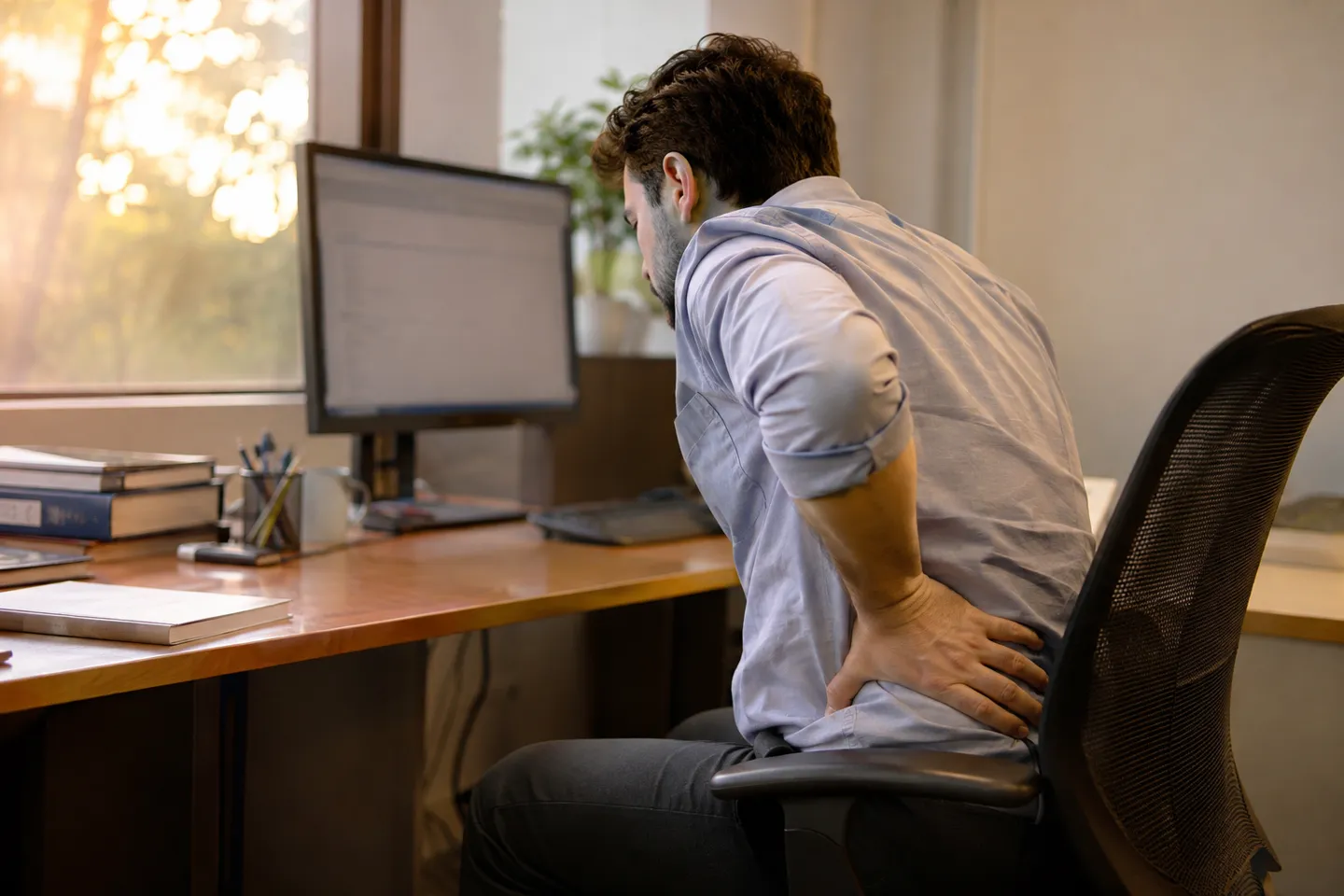
The Case Against Sitting All Day
The strongest findings link long sitting hours to higher risks of obesity, type 2 diabetes and heart disease. Part of the mechanism is simple: your lower body goes relatively static, and circulation drops (Cleveland Clinic, 2025). The famous “sitting is the new smoking” framing overstates it, but the association itself is not controversial.
You can watch the mechanism run in a post on r/StandingDesk: one user sat around 16 hours a day, started with a light morning ache, and within months had round-the-clock back pain that a full night’s sleep no longer touched. Two weeks of a walking-heavy vacation made it vanish (Reddit, r/StandingDesk). That is one anecdote, not a trial, but it shows the shape of the problem: unbroken static load, not the chair’s price tag.
The Case Against Standing All Day
Standing runs its own tab. Go abruptly from sitting all day to standing all day and you risk back, leg and foot pain, which is why clinicians suggest easing in from 30 to 60 minutes a day (Harvard Health Publishing, 2016). Physical therapists put it plainly: staying stuck in any one position too long is the problem, and that includes being on your feet (Hinge Health, 2024).
Occupational health research agrees. Reviews of prolonged standing at work connect it to sore feet, leg swelling, varicose veins, low back pain and general fatigue (Waters & Dick, NIH/PMC, 2014; CCOHS). The failures are not hypothetical. In one widely upvoted thread, a user describes decades of 18-hour days on his feet after an employer removed seated desks. His foot pads wore out. His spine ended up held together by surgical fusion, and his doctors forbid standing all day (Reddit, r/StandingDesk). A desk that only stands is not a healthier desk. It just swaps one static posture for another.
Separating Marketed Benefits from Measured Evidence
Because the market has money on one answer, it pays to grade the claims before you grade the desks.
Standing Desk Claims vs Measured Evidence
| Claim | What the evidence shows | Verdict |
|---|---|---|
| Burns far more calories | Measured with oxygen consumption: about 8 extra kcal per hour | Debunked as a selling point |
| Weight loss | Three hours of standing adds about 24 kcal, less than one short walk | Not a real mechanism |
| Steadier blood sugar after meals | Small studies show post-meal glucose normalizing faster on standing days; a 2023 study found 2 hours of post-meal standing raised energy output without disturbing glucose metabolism | Moderate support |
| Less low back discomfort | A systematic review of office workers found sit-stand workstations can ease low back discomfort | Moderate support |
| Better mood and energy | A 2022 study found moderate improvements in fatigue among standing users | Moderate support |
| Direct protection against heart disease and diabetes | The risk link is with sedentary time in general; rigorous desk-specific trials are still missing | Unproven |
Sources: (Harvard Health Publishing, 2016; Cleveland Clinic, 2025; Hinge Health, 2024)
Consumers have noticed the gap between marketing and measurement. A thread asking for real evidence on standing desks drew 94 comments, and when a brand account dropped a list of health benefits into the discussion, replies called it a shill within minutes (Reddit, r/StandingDesk). You can use that as a buyer: ignore benefit lists from either camp and buy for the mechanism instead. The mechanism is the subject of the next section.
The Real Variable: How Easily You Can Switch
If harm comes from stillness, then the useful question is not “which posture” but “how often can I change”. Every change of posture has a cost: the seconds and annoyance of moving your setup. Behavior follows friction. If switching takes 90 seconds of re-rigging monitors and cables, you will do it twice on day one and never again.
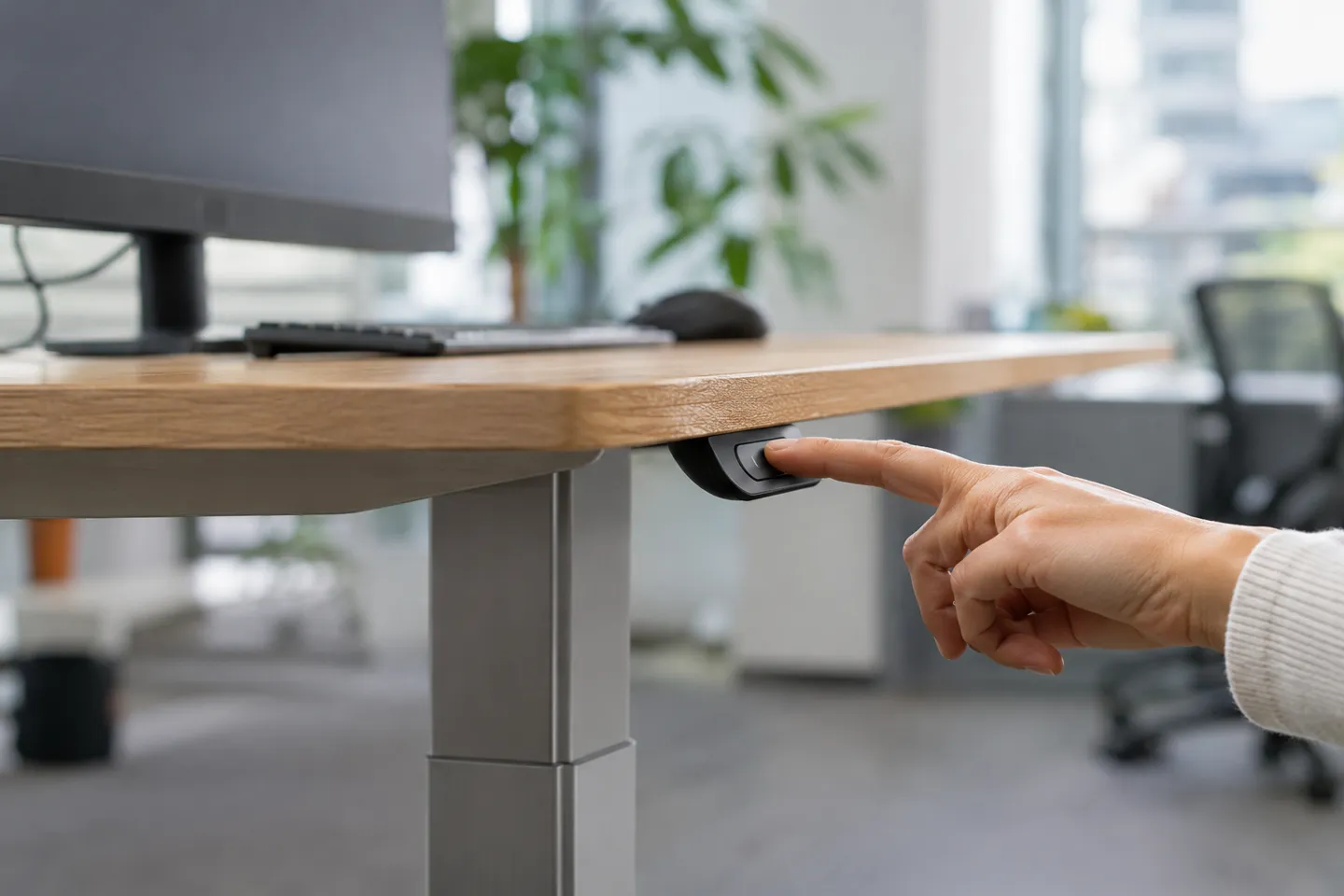
Desk types differ almost entirely in that friction:
Switching Cost by Desk Type
| Desk type | What one switch costs you | Who it fits |
|---|---|---|
| Fixed standing desk (or a raised counter) | Every switch means relocating gear or walking to another surface | People who already alternate workspaces naturally |
| Desktop converter on your existing desk | Limited lift, extra shake at height, and you re-seat the monitor each time | Tight budgets and small spaces, casual standing |
| Electric sit-stand desk | One button press; saved heights move the whole surface, cables and all | Anyone who genuinely intends to alternate every day |
The specs that shrink friction are travel range, load capacity, memory presets, noise and stability. The first four decide whether switching is a gesture or a chore; the last decides whether you trust it at full height. Specific numbers belong in the buying section further down, because a boundary comes first: for some bodies and some tasks, no amount of adjustability makes standing the right default.
Where a Standing Desk Stops Working
Standing is a tool with a scope, not a virtue with a badge. For certain conditions and certain work, the smart plan inverts: sitting becomes the default and standing becomes the seasoning. Each line below is a checkable action, not a vibe.
When a Standing Desk Is Not the Answer
| Your situation | Sensible arrangement | When to change something |
|---|---|---|
| Varicose veins, chronic venous insufficiency, or legs that swell by evening | Stay mostly seated with short standing blocks; use a footrest, shift weight often, follow medical advice on compression | Aching, swelling or heaviness in the legs: cut the standing blocks immediately |
| History of DVT or vascular conditions, recent lower-limb or spinal surgery, acute herniated disc, significant joint problems | Clear any standing routine with a doctor or physical therapist first and follow a guided plan | Any new pain: stop and ask, do not push through |
| Fine motor work: drawing, precise writing, assembly, detailed data entry | Do the task seated; reserve standing for calls, reviews and meetings | Accuracy drops or hands feel unsteady: move that task back to sitting |
| Standing-only office where seated desks were removed | Anti-fatigue mat, a footrest for weight shifts, and a short walk every 30 minutes | End-of-day foot or back pain: request a seated option, because forced standing is a documented injury source |
Sources: (Waters & Dick, NIH/PMC, 2014; CCOHS; Harvard Health Publishing, 2016; Hinge Health, 2024; Eureka Ergonomic, 2025)
Notice what all four rows share: the failure shows up as a specific signal (swelling, new pain, slipping accuracy) with a specific response, not a vague “listen to your body”. That is the difference between using a standing desk and being used by one. If none of those rows apply to you, the only thing left is to build the habit without hurting yourself in week one, and to buy hardware that does not fight you.
A Routine That Works, and What to Look for If You Buy
Routines come before hardware. A premium desk with no standing routine becomes the most expensive shelf in your office. The plan below takes two weeks and survives contact with real work.
Your First Two Weeks: A Transition Plan
Start from 30 to 60 minutes of total standing per day and build from there (Harvard Health Publishing, 2016).
The first two weeks, step by step
Week 1: total 30-60 minutes of standing per day, split into short blocks after lunch and during calls or email review.
Week 2: add 15-20 minutes per day if you feel fine.
Weeks 3-4: work toward a roughly even sit-stand split in 30-60 minute blocks.
Any day with new back, leg or foot pain: drop back to the last pain-free amount and re-check your setup before adding more.
One r/StandingDesk regular learned this the hard way: his first attempt at standing work hurt his back so badly he nearly quit. Nothing was wrong with standing itself; his desk height and posture were off, and a few small adjustments fixed what a week of gritted teeth would not have (Reddit, r/StandingDesk). Pain is a signal to dial back and adjust, not a badge to push through. While you adapt, keep precision work seated and give standing blocks the easy tasks.
Finding Your Ratio
Nobody has a magic number, and the people who study this for a living do not agree on one. Four patterns cover what real users actually run:
- 20-8-2: every half hour, sit 20 minutes, stand 8, move 2. Suggested by Cornell ergonomics researcher Alan Hedge, and the built-in “move” slot is the part most routines forget (Eureka Ergonomic, 2025).
- 30/30: alternate half-hour blocks of sitting and standing, the pattern a Hinge Health physical therapist personally uses (Hinge Health, 2024). Simple, and effortless with memory presets.
- 1 hour / 1 hour: the rhythm several r/StandingDesk users report after it significantly reduced their back pain (Reddit, r/StandingDesk).
- Front-loaded: about two hours standing in the morning and two after lunch, which matches where energy dips actually happen.
Pick with a simple rule: start below your instinct, anchor switches to breaks that already exist (meetings, lunch, coffee), and never drop the moving minutes. Most people settle at 2 to 4 hours of standing across a day, and the total matters far less than never letting any single block run too long.
Setup, and the Five Things That Matter in a Desk
Setup takes about a minute: elbows at 90 degrees with relaxed shoulders, monitor top at eye level about an arm’s length away, and a footrest within reach for weight shifts, in both your seated and standing positions (Hinge Health, 2024).
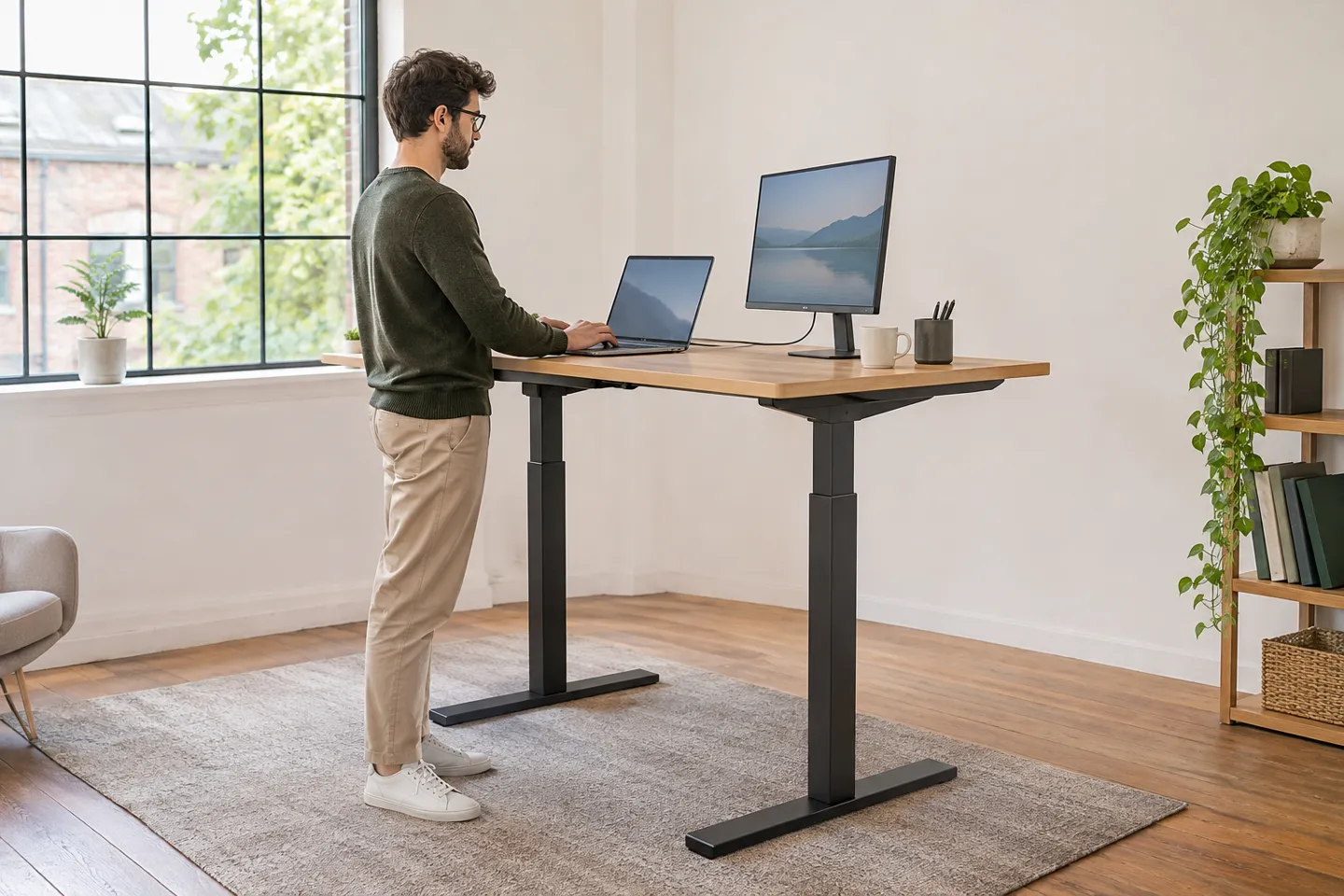
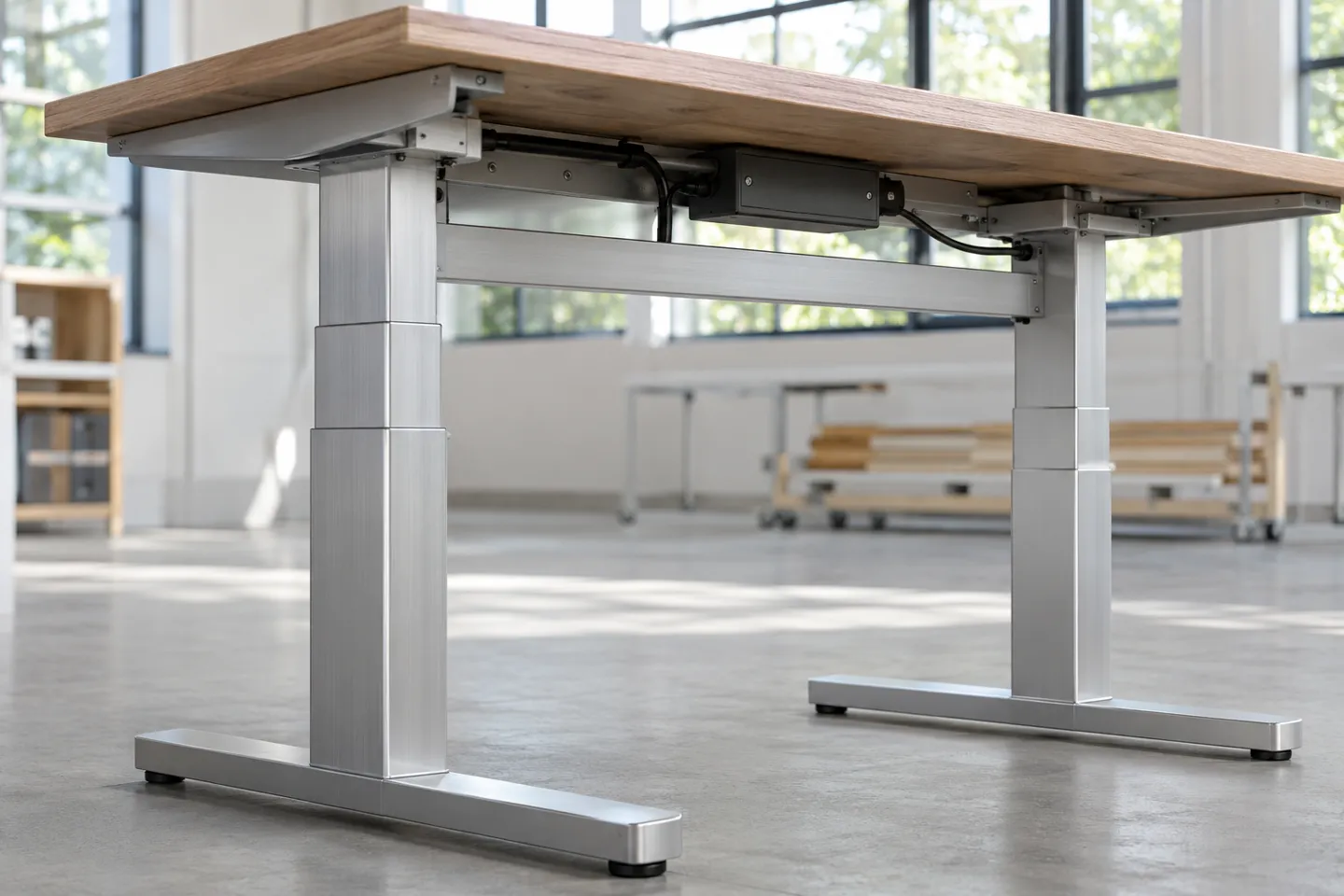
If you are buying rather than converting, an electric sit-stand desk beats a fixed standing desk for the friction reason from earlier: fixed means maximum switching cost. Five specs decide whether you will actually alternate, and they are worth checking one by one:
Spec checklist: what to verify in person
1. Travel range: covers your seated AND standing elbow heights. Typical standing desk heights run roughly 95-130 cm for users from 5’0″ to 6’4″, so check the top of the range if you are tall.
2. Load capacity: desktop plus monitors, arms and gear, with margin; complete desk lines usually rate around 100 kg.
3. Memory presets: one-touch saved heights are what make switching free; two presets minimum, four is better.
4. Noise: motors in the ≤50 dB class let you switch during calls without the room noticing.
5. Stability and anti-collision: no wobble at full extension, and the desk reverses when it meets an obstacle.
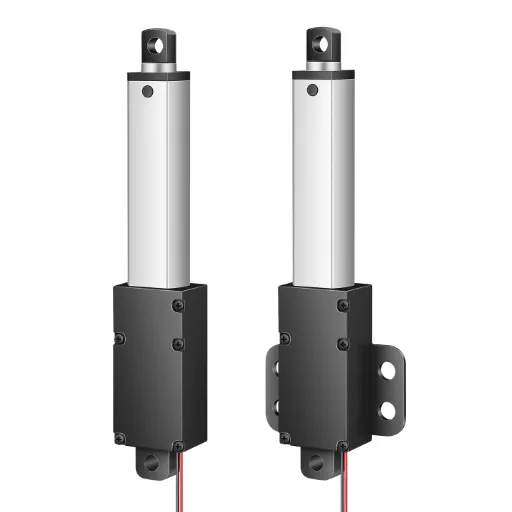
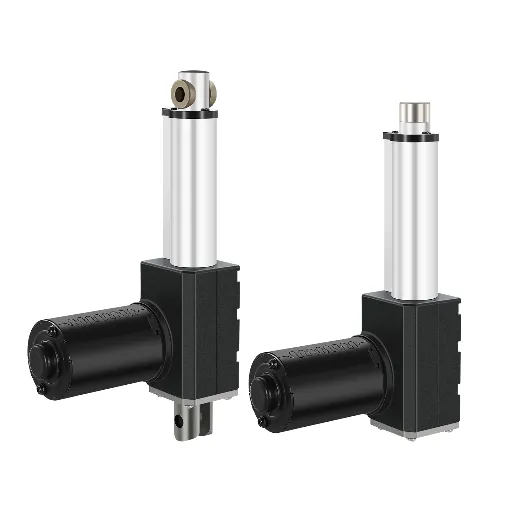
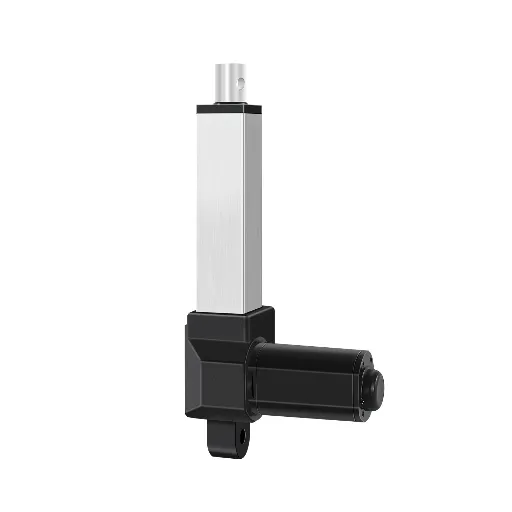
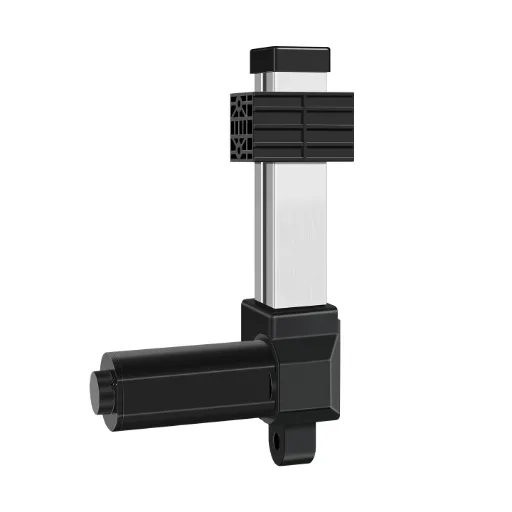
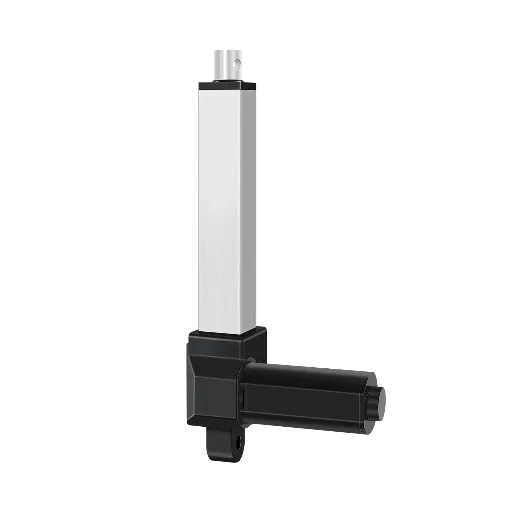
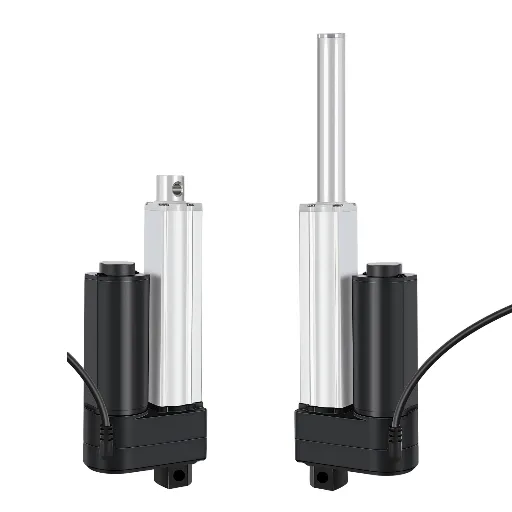
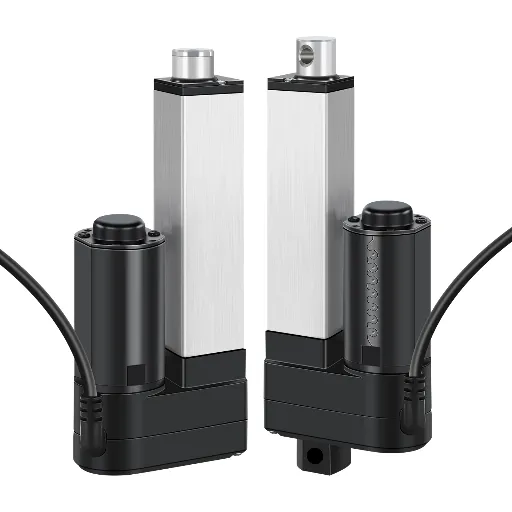
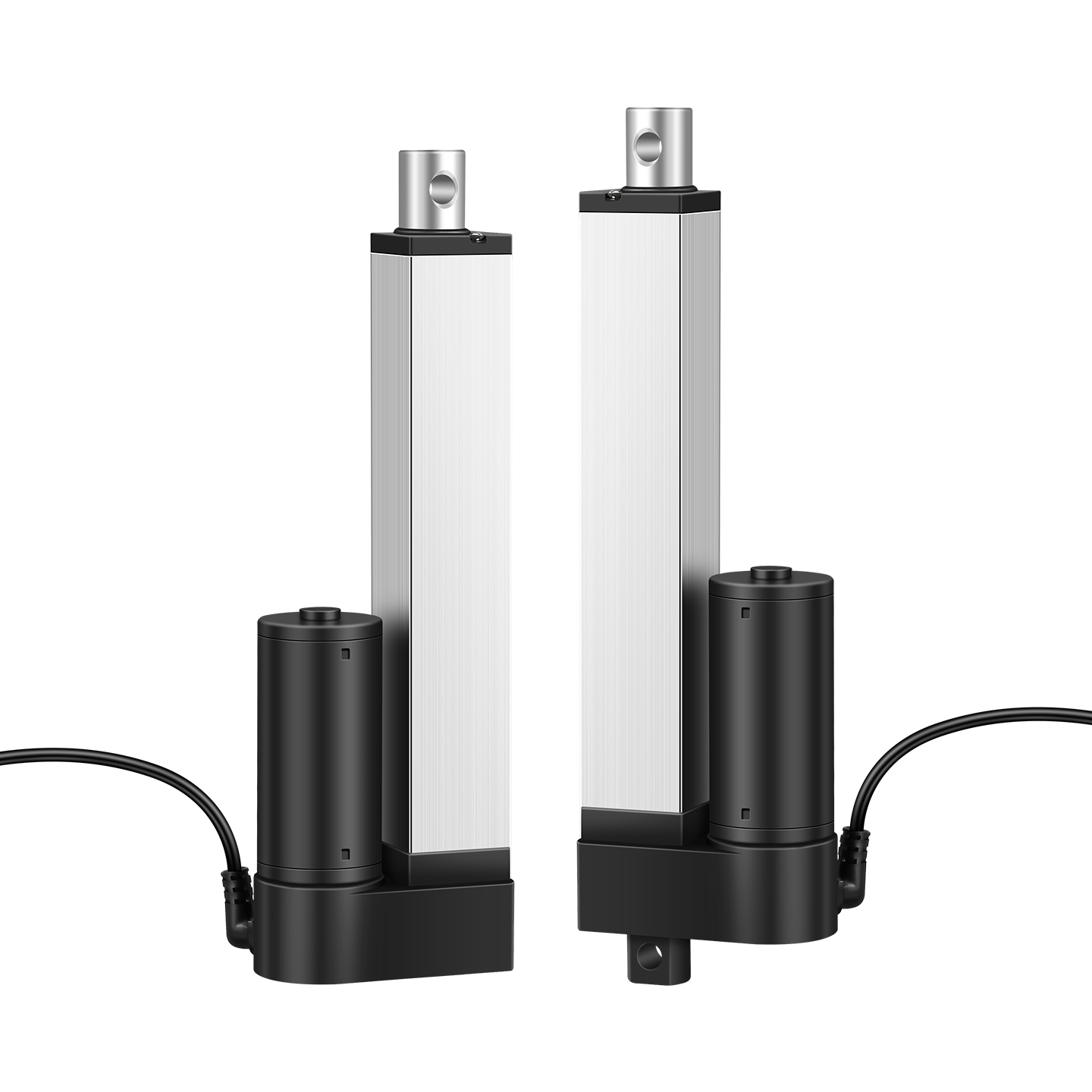
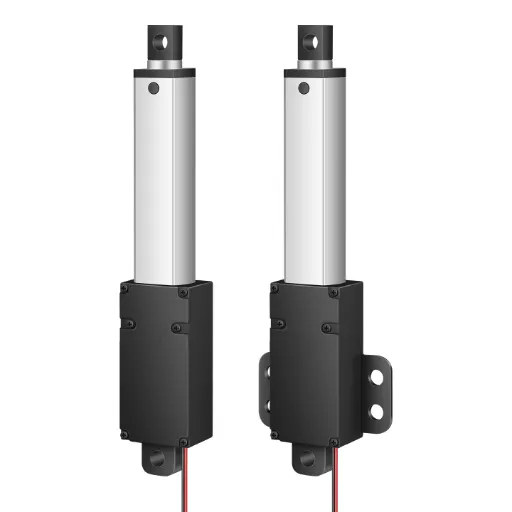
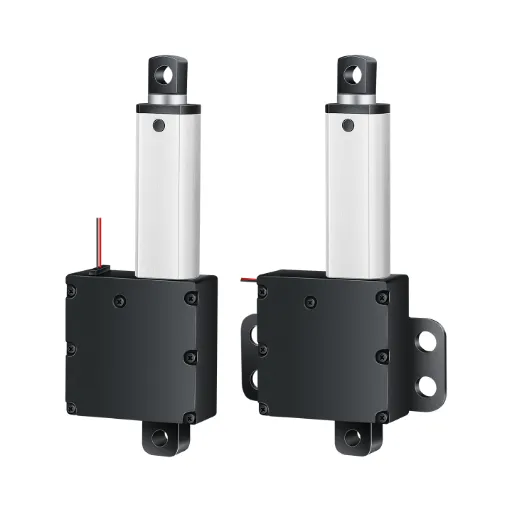
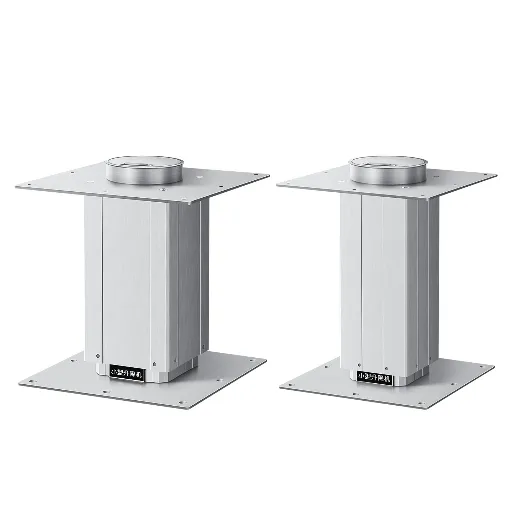
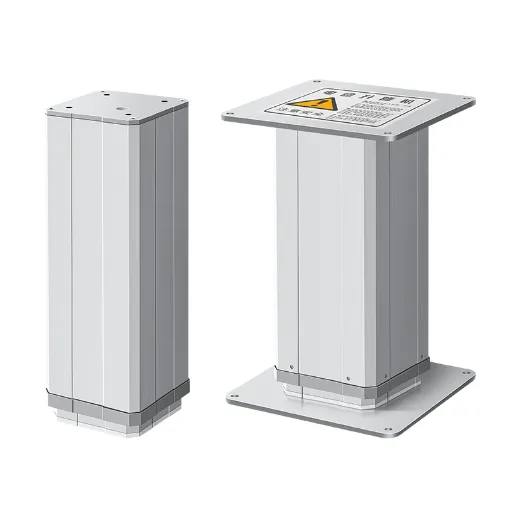
One concrete example of the class: desks built on the Hoodland lifting column line are specified at ±1 mm height precision, ≤50 dB operation, programmable memory presets, anti-collision sensors and roughly 30-120 cm of travel, with complete desk lines rated to carry up to 100 kg. Those numbers are just the checklist above, filled in. Whichever brand you buy, ask for the same five.
That five-number checklist is not only for shoppers. It is also where this whole consumer debate lands for the people who build and sell desks.
What This Debate Means for Desk Brands
Read the debate as a buyer and you get a checklist. Read it as a desk brand or seller and you get a correction. The health-benefit pitch is finished as a differentiator: the calorie claims are publicly debunked, the strongest benefits carry moderate evidence at best, and the communities where desk buyers research get called shills within minutes of posting benefit lists. Consumers have learned the argument better than the marketing has.
What they now pay for is effortless alternation: memory presets that make switching one button press, quiet motors that let the desk move mid-call, anti-collision sensors that protect a crowded desk, and stability at full extension. That is the switching-cost argument from the middle of this article, turned into product definition. The same evidence works harder as honest guidance: publish real ratios, first-two-weeks plans and clear “who should stay seated” boundaries, and the debunking becomes your credibility instead of your competitor’s weapon.
The checklist doubles as an acceptance standard when sourcing columns and controllers: travel range, load rating, memory presets, noise class and collision behavior, specified in numbers rather than adjectives. Sell the switch, publish the honest manual, and let the posture war rage without you.
If you want a desk that makes the switch feel free, Hoodland builds it in: our height-adjustable desk line pairs memory presets, ≤50 dB operation and anti-collision sensors with ±1 mm height precision, so alternating costs one button press.
Make Every Switch a One-Button Move
Tell the Hoodland team about your workspace and your workflow, and get straight answers on whether our height-adjustable desk line fits both.
Start a Conversation with HoodlandReferences
- Harvard Health Publishing. “The truth behind standing desks.” 2016. health.harvard.edu/blog/the-truth-behind-standing-desks-2016092310264
- Hinge Health. “Standing Desks: Benefits, Precautions, and Tips.” 2024. hingehealth.com/resources/articles/standing-desk-benefits
- Cleveland Clinic. “6 Benefits of Standing Desks.” 2025. health.clevelandclinic.org/benefits-of-standing-desks
- Waters, T.R. & Dick, R.B. “Evidence of Health Risks Associated with Prolonged Standing at Work and Effectiveness of Control Interventions.” 2014. pmc.ncbi.nlm.nih.gov/articles/PMC4591921
- Canadian Centre for Occupational Health and Safety (CCOHS). “Working in a Standing Position – Basic Information.” ccohs.ca/oshanswers/ergonomics/standing/standing_basic.html
- Reddit, r/StandingDesk. “How has standing at work vs sitting impacted your life?” reddit.com/r/StandingDesk/comments/avahb7/how_has_standing_at_work_vs_sitting_impacted_your
- Reddit, r/StandingDesk. “Is there any evidence that standing desks are specifically beneficial to health?” reddit.com/r/StandingDesk/comments/15unfga/is_there_any_evidence_that_standing_desks_are
 English
 Chinese