
The first thing you notice about a good standing desk is not the wood. It is the moment the desk reaches full height and you lean on the edge to grab a printout, and nothing moves. That moment is designed. It comes out of decisions made long before the desktop was stained or the keypad was styled. Which shape the columns take, how snugly the plastic glides fit inside them, and how two motors agree with each other mid-travel.
This guide walks through standing desk design in that order, from the parts you see to the parts you never will. You will get the setup numbers that make a height-adjustable desk worth using. You will get the engineering reasons a sit-stand desk wobbles at standing height, and the drive and control layer that decides whether it still runs in year five. And you will finish with a spec sheet you can actually check against.
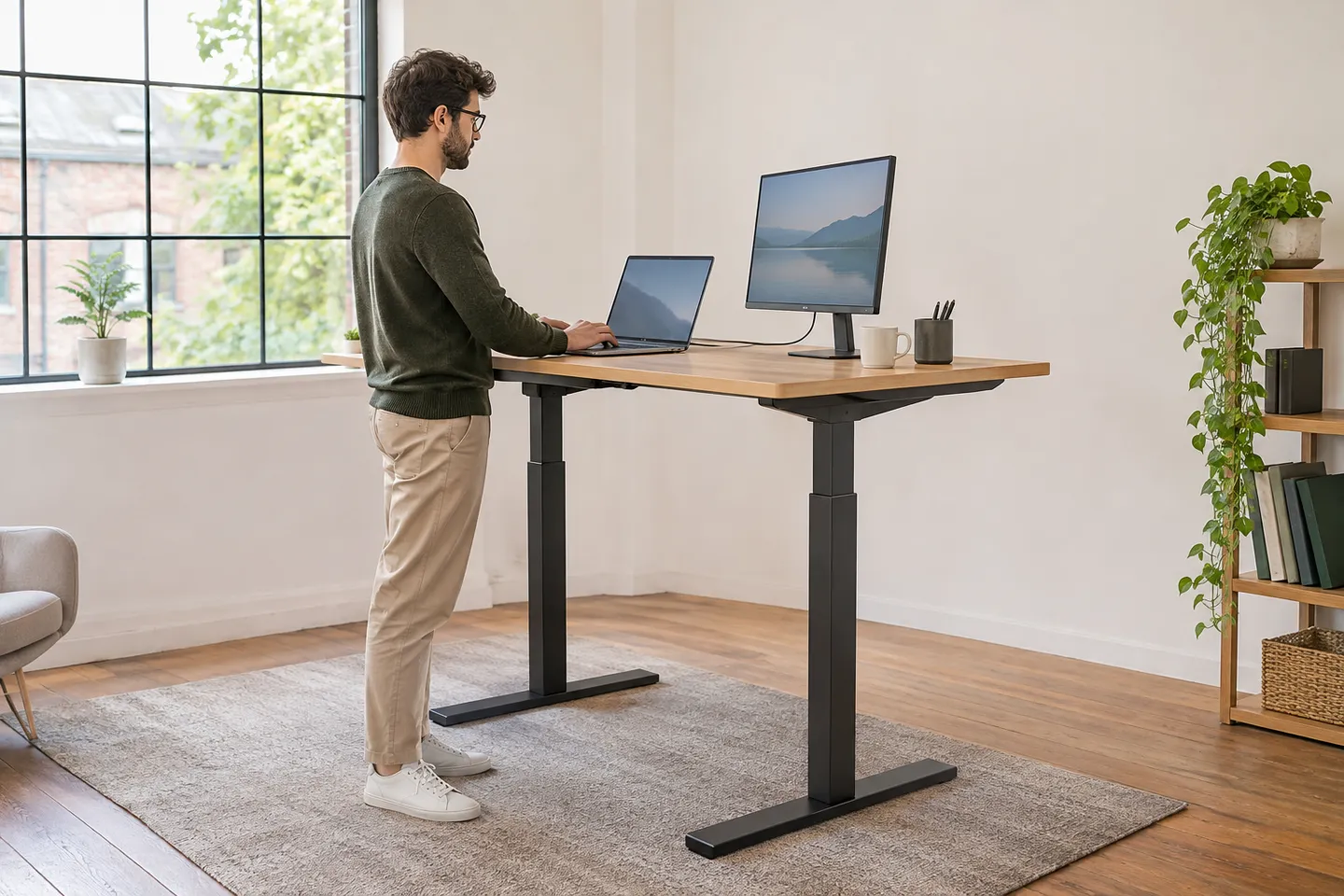
What Design Actually Means in a Standing Desk
Most of what gets written about standing desk design lives on the surface: bamboo or oak tops, matte black or white frames, L-shapes, cable trays, drawers. Those choices matter for how a desk fits a room, and they are also the easiest part to compare. What separates a desk that feels solid after a year from one that rocks at standing height is a second design layer. It never appears in the photos.
Start with the type, because the type sets everything else. A fully electric sit-stand desk carries a frame with one or two motors that drive lifting columns under the top. A manual desk uses a crank or a gas spring, trades convenience for a lower price, and usually tolerates fewer adjustments per day. A desktop converter sits on an existing desk and lifts only keyboard and screen. That solves posture in a rented office or a tight home corner, without replacing the furniture.
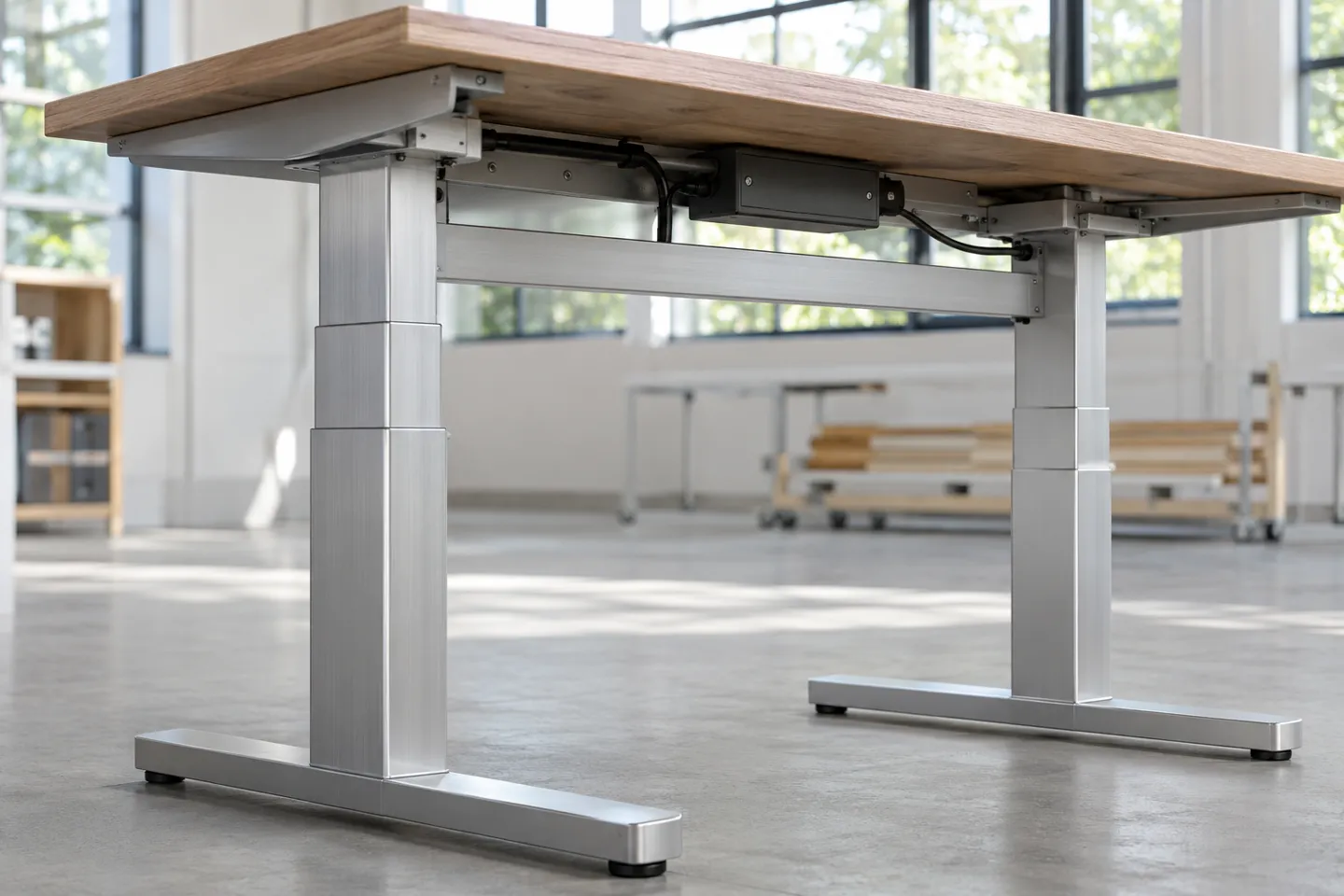
Within electric desks, the base geometry is the first invisible design decision. The common two-column frame comes in a T-foot layout, where the feet point at you, or a C-foot layout, where the feet run along the back. Four-leg frames spread the load across corners for long or heavy tops. Single-column designs lift the whole top from one central spine, and wall-mounted units drop the floor footprint entirely. Each layout moves the wobble problem somewhere different, which is why the same desktop can feel stable on one frame and shaky on another.
The top itself is the last layer: size, thickness, material, and whether it carries storage. A 2.5 centimeter particle board top flexes where a 4 centimeter bamboo top does not, especially with a steel stretcher underneath. Every flex reads to your hand as “cheap,” even when the columns are identical.
So a workable definition of good standing desk design comes down to four things you can verify rather than admire. The desk stays steady at standing height. It moves quietly, and starts and stops smoothly instead of jerking. And it survives enough lift cycles to outlast the warranty. Everything below this point is about how a desk earns those four, layer by layer.
The Ergonomic Setup That Makes People Actually Use It
A height-adjustable desk only pays back if people actually change heights, and that depends on the setup feeling right within the first week. Four steps get it there.
First, set the sitting height. Sit upright and let your hands fall naturally; your elbows should form roughly a 90-degree angle when they rest on the desk Haworth, 2025. Published guides put the standing working surface somewhere around 38-42 inches for most adults. Treat that band as a starting guess rather than an answer. The correct number scales with your body, not with a chart.
Second, set the monitor while you are standing. The top edge of the screen should sit at eye level, about a full arm’s length away Contour Design, 2026. For most people that lands between 20 and 30 inches from the face. If one fixed position cannot serve both sitting and standing without straining your neck, a monitor arm buys back the difference.
Third, set a rhythm. One widely cited pattern alternates 20 minutes sitting, 20 minutes standing, and 20 minutes of movement Contour Design, 2026. The exact split matters less than the habit: any cadence that gets you changing posture on purpose beats standing all day in one static pose.
Fourth, save both heights in the keypad’s memory presets. Presets are the difference between a desk people adjust daily and one that freezes at whatever height the last meeting left it in.
Desk setup check
- Elbows at 90 degrees in your normal sitting posture
- Monitor top edge at eye level, one arm’s length away
- A sitting-standing rhythm you will actually keep
- Sit and stand heights saved as presets
- Desk stable at standing height under a light hand press
One boundary to keep in mind: any fixed “correct height” number only fits the body it was measured on. If a desk cannot reach your computed height with the monitor you plan to mount, no amount of styling fixes that. That is exactly why the range numbers on a spec sheet matter later in this guide.
Why Standing Desks Wobble: The Structure Layer
Ask owners where their desk disappointed them and the answer is rarely the motor or the finish. It is wobble at standing height, the side-to-side shake that shows up when the columns are extended and someone is typing with any energy. The industry carries a stubborn myth about this: that spending more money buys stability. It does not, at least not reliably. Budget desks under $400 are the worst offenders BTOD.com, 2026, but expensive desks fail the same way when the same parts are missing.
Glides, wedges, column stages: the three parts that decide whether a desk wobbles at height.
Not the price tag.
Fix that sentence in memory, because every checklist below comes back to it.
The Six Places Wobble Comes From
Frame engineers who disassemble and test desks for a living trace wobble to six recurring causes BTOD.com, 2026. None of them are visible from the product photo, which is why they survive into shipping so often.
Six structural causes of standing desk wobble
| Cause | How it shows up | What to check |
|---|---|---|
| Bolts loosened by vibration | shaking appears after months of use | inspect foot and crossbar bolts, prefer factory-secured hardware |
| Too many movable joints | play that grows over time | prefer a fixed cross support bolted solid over an expandable one |
| No cross support | legs sway independently front-to-back | look for a crossbar or an engineered substitute |
| No wedge system | side-to-side rock at the columns | ask whether angled wedges inside the legs take up play |
| Glides that fit loosely | immediate wobble even at low height | ask about glide-to-column fit tolerance |
| Glides on one end only | wobble that worsens with height | confirm glides at both top and bottom of each column |
Base Shapes: T, C, Four Legs, or One Column
The T-foot base points its feet toward you and generally handles front-to-back force better, because the frame connects the columns at the center of load. The C-foot base slides its feet under the back edge, keeps your feet and chair clear, and gives up some of that front-back stiffness in exchange. Neither is automatically better; what matters is matching the base to how the desk gets used, with heavy leaning and monitor arms pushing toward T.
Four-leg frames make sense for tops beyond roughly 1.4 meters or loads that concentrate at the corners, because the load path shortens. Single-column desks move the stability question entirely into the column itself. One spine carries the whole top, so its guide system has no partner to share the bending. The column’s rigidity budget has to cover everything. Wall-mounted units escape floor wobble but transfer every force into the wall mounting. Verify those forces against the fasteners and the wall type, not against the desk.
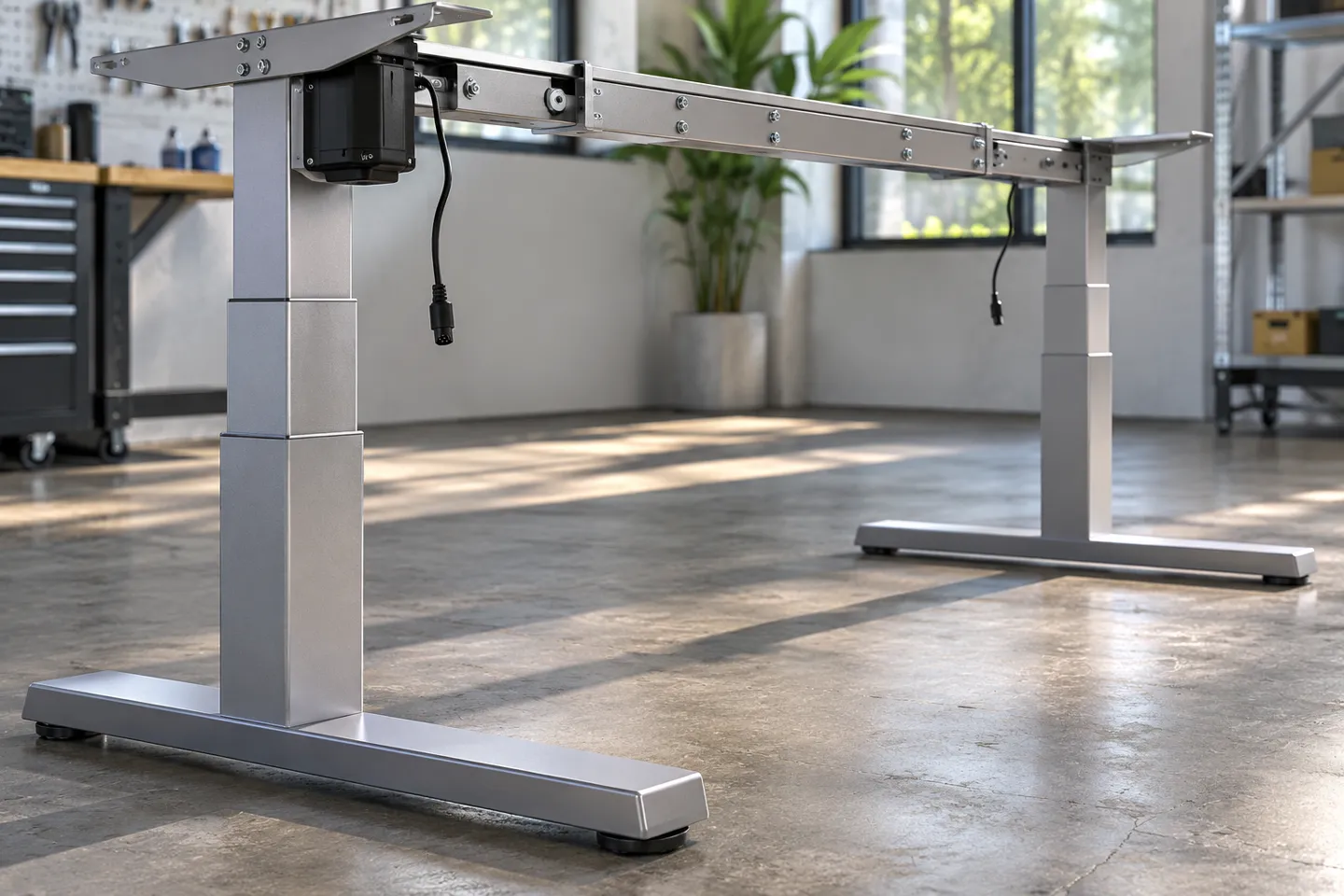
Column Stages, Wall Thickness, and Cross-Section
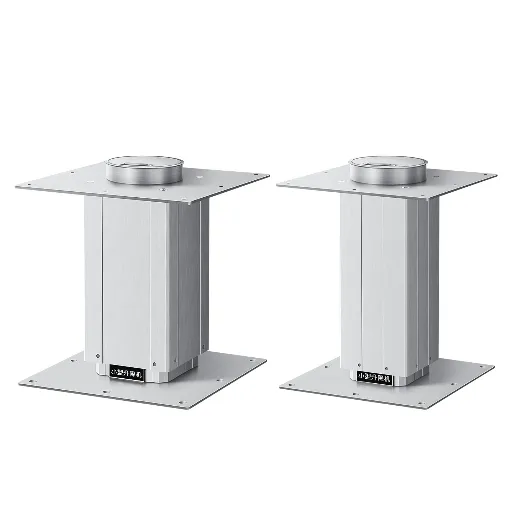
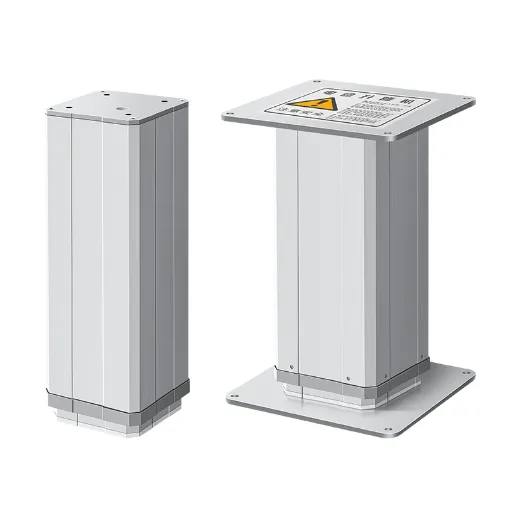
Inside each lifting column, nested telescoping tubes do the actual work, and three design choices set the stability ceiling. Stage count sets the height range: two-stage legs commonly span roughly 72 to 116 centimeters, while three-stage legs reach roughly 66 to 131 centimeters AOKE, 2026. More travel means a longer lever arm at full extension, which is why a desk that feels fine at sitting height can disappoint at its maximum.
Material and wall thickness carry the load. Cold-rolled steel gives higher stiffness per wall than aluminum, which is why mainstream desk frames use it, reserving aluminum for lighter-duty or design-led products AOKE, 2026. Wall thickness sorts into three practical bands AOKE, 2026. About 1.2 to 1.5 millimeters suits light tops. The 1.5 to 2.0 millimeter band is the working zone for most office and home desks. Above 2.0 millimeters serves long tops, multi-monitor rigs, and heavy-duty use. Cross-section matters more than most buyers expect. A rectangular tube resists bending better than a round one of equal thickness, which is why premium frames rarely look round AOKE, 2026.
Wall thickness: three working bands
1.2-1.5 mm
Light tops
1.5-2.0 mm
Most office and home desks
Above 2.0 mm
Long tops and multi-monitor rigs
Before you trust any frame, run one physical check. Raise the desk to full standing height, press a corner with moderate force, and watch how quickly the surface settles. Then check the feet for loose bolts, and ask the seller two questions the photo cannot answer. Do the glides run at both ends of each column? Is there a wedge system inside the legs? A single-end glide layout or a missing wedge system is a red flag that no warranty period will fix.
The Drive Layer: Motors, Sync, and Feedback
Structure decides whether the desk stands still. The drive layer decides whether it keeps moving, on spec, for years. This is the layer DIY builders hit first and product engineers argue about most, and it has three failure modes that never appear on a product page.
Weighing these drive-layer failure modes against a supplier shortlist? Hoodland engineers answer sync, side-load and duty-cycle questions with numbers, not brochures.
Start a Spec ConversationMotor Configurations and What Speed Costs You
Entry builds use one motor driving both columns through a telescoping linkage. Dual-motor frames put a motor in each column, cutting the linkage entirely and raising travel speed from roughly 25-32 millimeters per second to 35-38 Firgelli Automations, 2026. The extra speed matters more for shared workstations that change users all day than for a home desk adjusted twice daily. Practical reach splits the same way Firgelli Automations, 2026. A single-motor system comfortably carries tops up to about 60 inches. Dual-motor frames handle tops to around 84 inches.
Synchronization: Where DIY and Production Part Ways
Put two or three separate actuators under one rigid top and you inherit the hardest problem in this layer: the columns must extend in step. Engineers evaluating a three-actuator DIY build describe the risk plainly Reddit, r/AskEngineers, 2020. If one actuator drifts out of sync with the others, the frame does not just lean. It tears itself apart. Out-of-sync travel twists the crossbar, the twist walks into the desktop joints, and the failure arrives as cracked brackets rather than a graceful stop.
Production frames solve this with a single controller closing the loop over both motors, comparing travel and correcting within each cycle. Anti-collision sensing adds a second guard: when resistance spikes, the desk halts and reverses instead of crushing whatever is pinched. If you are specifying rather than building, do not ask a supplier whether the columns sync. Ask for the sync tolerance and the collision behavior. A serious answer includes a tolerance figure and a rebound or stop pattern, not a yes.
Side Loading: The Failure Nobody Prices In
Columns die from sideways force before they die from weight.
Someone leaning on the desk edge, a monitor arm reaching forward of the column, an elbow dropped hard on the corner: these side loads do structural damage long before the motor’s thrust rating is ever approached. Size the column for the asymmetric load case, not the static weight on the desktop (Firgelli Automations, 2026).
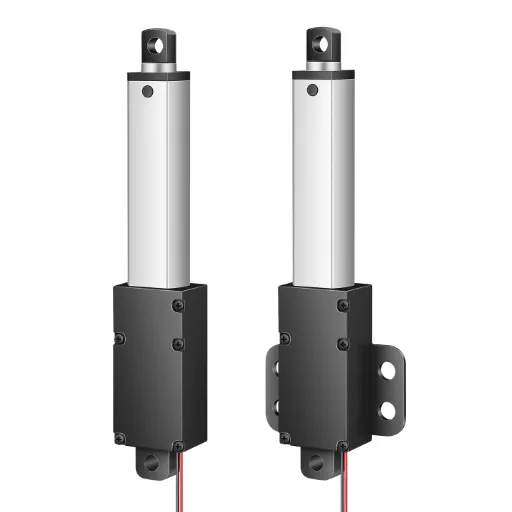
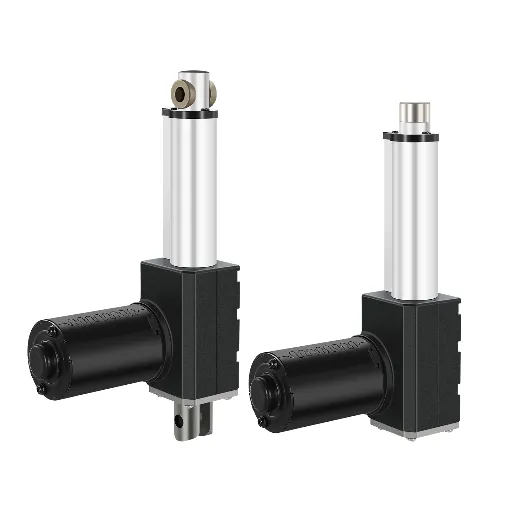
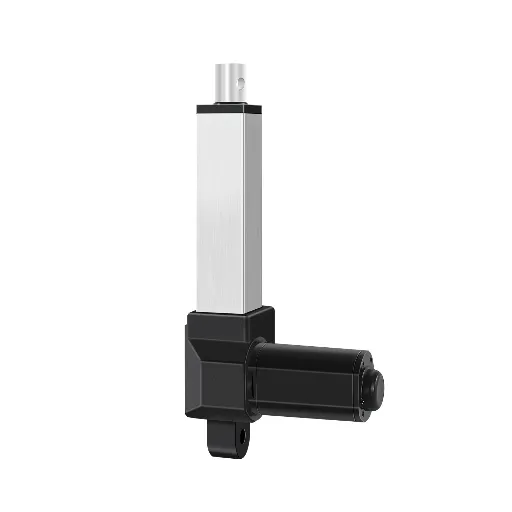
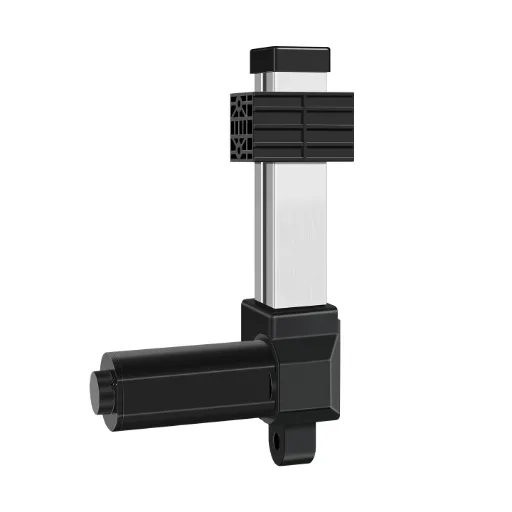
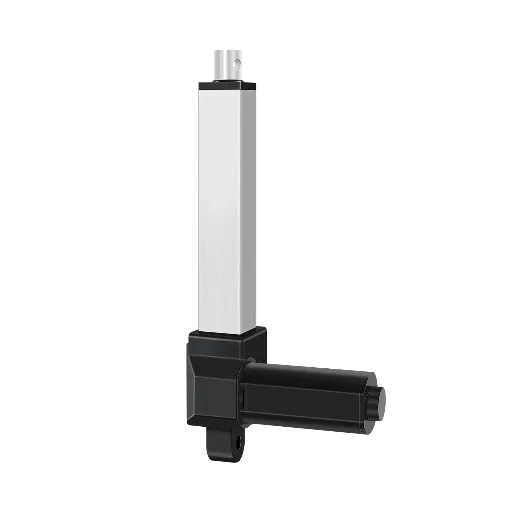
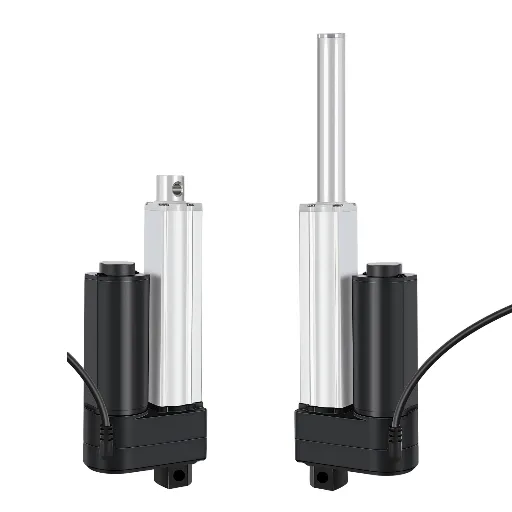
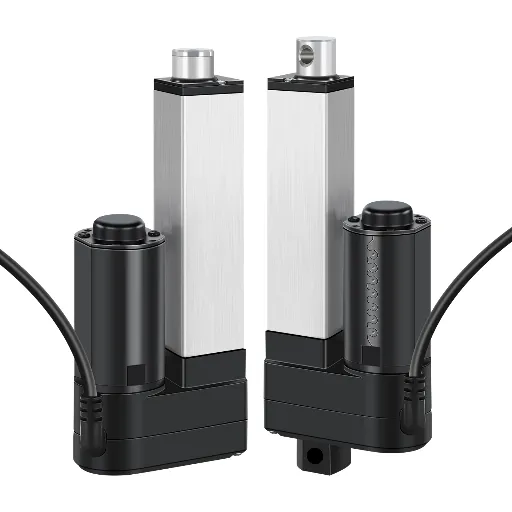
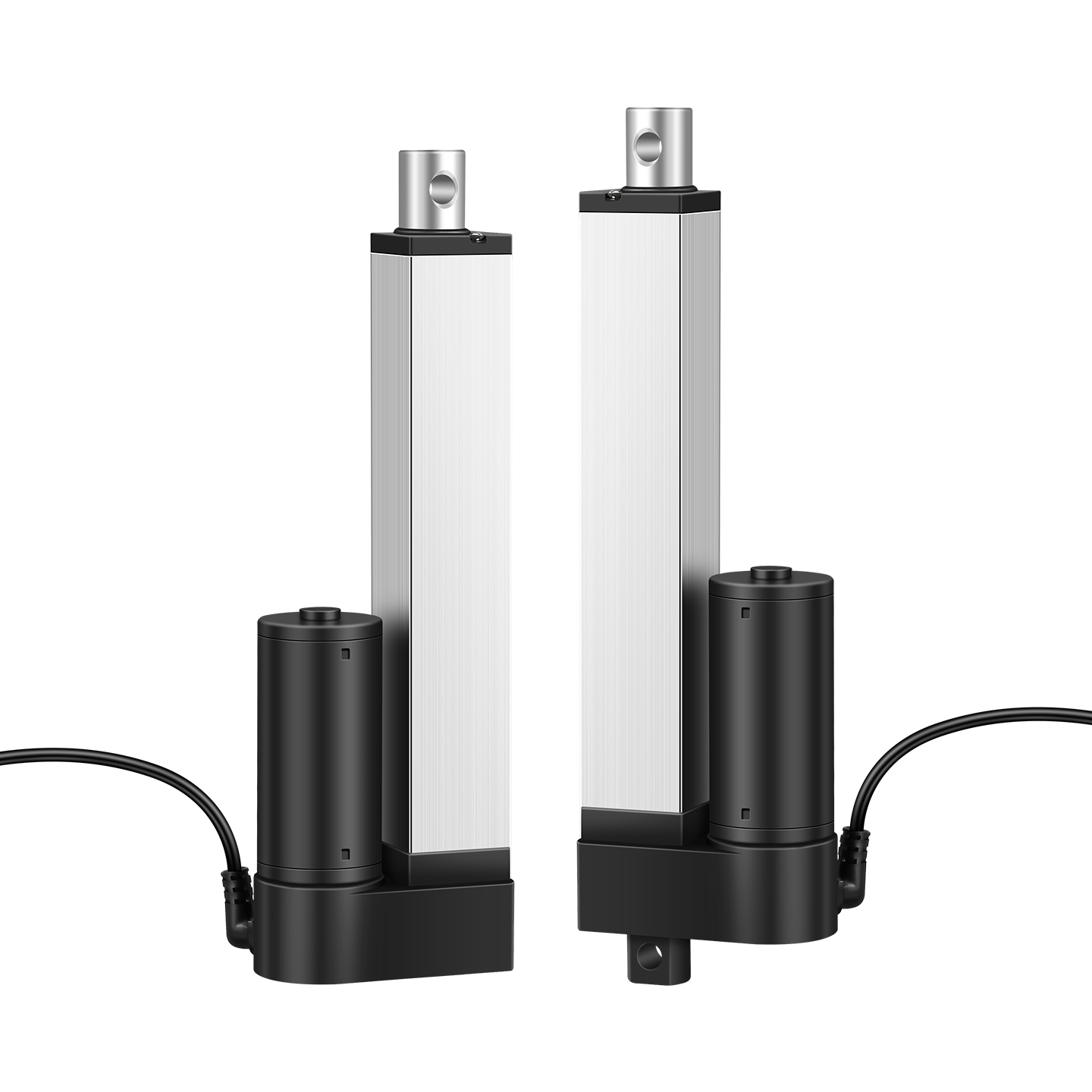
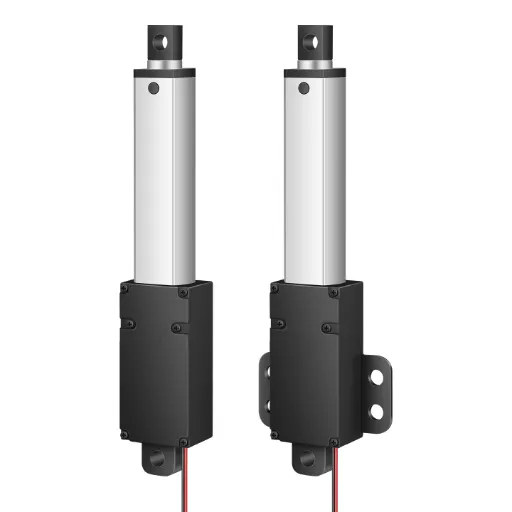
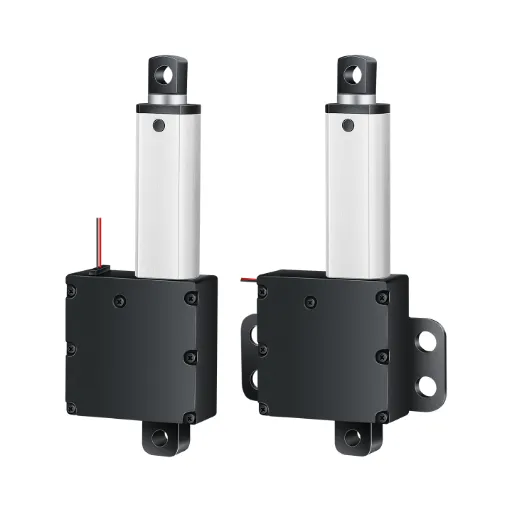
This is also the line between a bare linear actuator and a true lifting column. A bare actuator pushes. A column guides, because its nested tubes and internal glides are built to carry off-axis force over thousands of cycles. A desk built around thrust ratings alone passes the showroom test and fails the office test.
The Hidden Specs: Duty Cycle, Noise, and Cycle Life
Three numbers rarely make the storefront and decide long-term satisfaction. Duty cycle caps how often the desk can move. Light-duty classes typically allow around 10 percent, with a couple of minutes of continuous travel. A hot-desking office that adjusts every meeting exceeds what a hobby-grade duty rating is built for. Noise has a working benchmark: well-engineered desk lifts run under 50 dB, quieter than typical office conversation Firgelli Automations, 2026. The number comes from gear material and meshing precision, often non-metal polymer gears rather than metal ones.
Cycle life is where claims and reality drift apart. One actuator manufacturer builds its desk lifts around 10,000-cycle full-load endurance testing Firgelli Automations, 2026, while newer factories commonly claim 30,000 cycles or more. Treat claims as claims. What converts a number into a promise is whether every unit gets a burn-in test and an inspection report, not whether the brochure is confident.
10%
Duty cycle
Typical light-duty ceiling; travel in short bursts
< 50 dB
Noise
Where well-engineered lifts sit; gear precision decides it
10,000
Cycles, tested
Full-load endurance baseline; factory claims run higher
Feedback closes the layer. A desk with memory presets and dual columns needs position feedback, usually Hall sensors or a potentiometer (5-wire variants included). The controller uses it to know where each column actually is. Without it, presets drift and sync is guesswork. With it, the desk earns the anti-collision and memory behaviors that users mistake for “quality.”
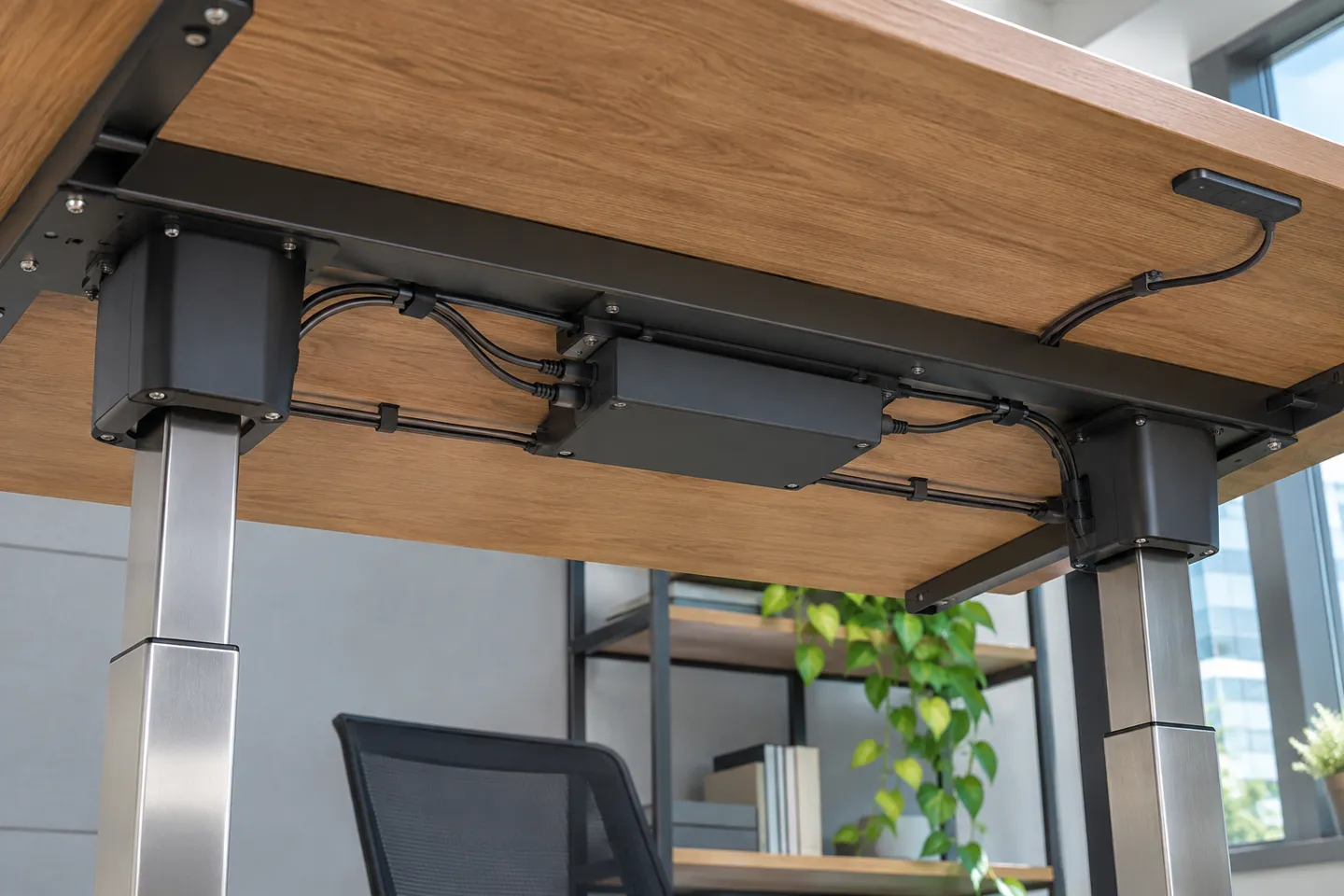
Turning Design Decisions Into a Spec Sheet
Every choice above compresses into one fork: buy stock and accept the frame as engineered, order parameter customizations on a proven platform, or commission a fully custom build. Stock is fastest and cheapest and locks the invisible decisions. Parameter customization keeps a validated structure and adjusts stroke, load rating, speed, voltage, panels, and cabling to the top and the market. Full custom buys geometry nobody stocks and pays for it in tooling and lead time.
Whoever holds the fork, the same matrix turns the engineering into acceptance criteria. Take it to the supplier conversation exactly as it stands.
Desk type by scenario: what to confirm, where it fails, and how to accept
| Desk type | Structure params to confirm | Drive params to confirm | Where it fails | Acceptance action |
|---|---|---|---|---|
| Two-column stock desk | column stages, wall thickness band, cross support type, glide layout | motor count, speed class, sync tolerance, feedback type | single-end glides or missing wedges surface as wobble at height | corner press at full height plus written answers on glides and wedges |
| Four-leg heavy desk | column rating against corner loads, frame metal and thickness, stretcher or cross-bracing | per-column motor sizing, load-speed curve, anti-collision | corner columns carry uneven load as tops lengthen | loaded height test with weight at the weak corner |
| DIY single-column desk | single-column guide quality, top attachment spread, base fixings | actuator thrust with side-load margin, duty cycle, controller feedback | side load and duty cycle kill bare actuators long before thrust does | off-center load test and a duty-cycle calculation for real usage |
| Brand custom desk | custom stroke and panels matched to top, glide and wedge spec in writing | sync tolerance, collision behavior, noise cap, cycle-life test report | specs that exist in the brochure but not in production | sample evaluation plus burn-in and inspection reports per shipment |
Three acceptance habits close the loop regardless of which row you are buying. Raise the desk to maximum and press a corner. A desk that passes at delivery keeps passing in year two only if the glides and wedges were right. Ask for the burn-in and inspection paperwork, because a unit that was powered and cycled before shipping is statistically a different product from one that was boxed blind. And match certificates to the market: CE and RoHS for Europe-bound product, with anything safety-critical verified against the actual certificate rather than a logo on a page.
What This Means for Your Desk Line
Read the layers above as a desk brand and they compress into one uncomfortable fact. The two complaints that dominate standing desk after-sales both trace back to parts the customer never sees. They are wobble at height and drive failures. The glides, the wedges, the sync tolerance, the duty cycle. None of them show in renders, all of them show in returns. Money spent on those parts during the BOM stage is far cheaper than the same problem in the field. Field costs carry freight, replacement, and a review that outlives the transaction.
This reframes the stock-versus-custom question. White-label stock is not cheap, it is differently priced: the discount hides in exactly the invisible components this guide keeps returning to. Customizing on a proven platform is not a premium for its own sake. It lets a desk line put its budget where reviewers and returns will actually look. The practical constraint is iteration speed, because custom work runs longer lead times than stock. A line that ships new desks every quarter needs suppliers who prototype fast. It also needs suppliers who accept small trial quantities without treating either as a favor.
So the stance this article lands on is simple: put stability in the spec sheet, not in the marketing page. The matrix in the previous section shows what that looks like on paper. The supplier conversation it produces is a better quality filter than any product photo or price comparison.
That is also how we approach it at Hoodland. Our lifting column and controller range covers two-stage and three-stage columns with in-house developed controllers, engineered for 30,000-cycle service custom lifting column and controller solutions. Every unit ships after a 2-hour aging test with 100% final inspection. We build custom strokes, panels, and voltages with no minimum order, and prototype samples in as fast as 72 hours. The lifting column range is open to compare against your spec sheet.
Put these specs in front of our engineers
Two-stage and three-stage lifting columns with in-house controllers, engineered for 30,000-cycle service, aged 2 hours and 100% inspected before shipping. Custom strokes, panels and voltages with no minimum order, samples in as fast as 72 hours.
Request a Custom Lifting Column QuoteReferences
- Contour Design. “Ergonomic Standing Desk Setup: A Step-by-Step Guide.” 2026. https://www.contourdesign.com/workstations/ergonomic-standing-desk-setup
- Reddit r/AskEngineers. “DIY Standing Desk using actuators. How bad can it end?” 2020. https://www.reddit.com/r/AskEngineers/comments/g9zmdn/diy_standing_desk_using_actuators_how_bad_can_it/

 English
 Chinese