
The panel blinks E04 at 9:40 on a Tuesday morning. The desk is stuck at standing height, the motor hums once, and then nothing. You have a deadline, a laptop balanced on the desktop, and no idea whether this is a ten-dollar fix or a new desk.
Here is the short version before anything else: almost every dead electric standing desk traces back to one of five replaceable modules. Whether you can buy your way out of the problem depends on a pairing relationship that never appears on any spec sheet. Learn those two things and you will never pay full price for a desk failure again.
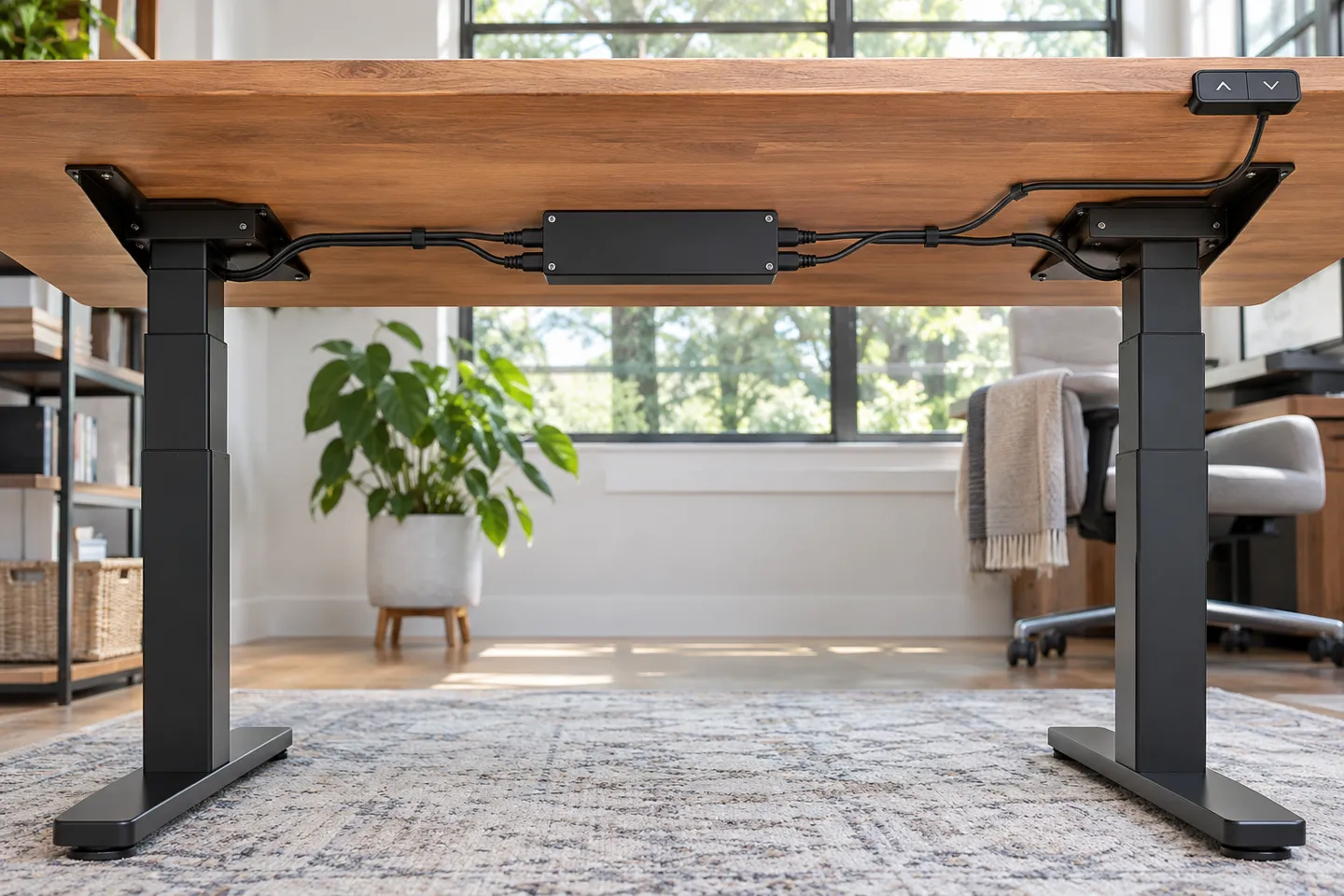
Standing Desk Parts: What’s Actually Under the Desktop
One clarification first, because the word “parts” pulls in two directions. This article is about the electric lift system: the columns that raise the desk, the box that drives them, the controls you press. Drawer slides, hinges, and monitor arms are a different conversation, and none of what follows will help you with those.
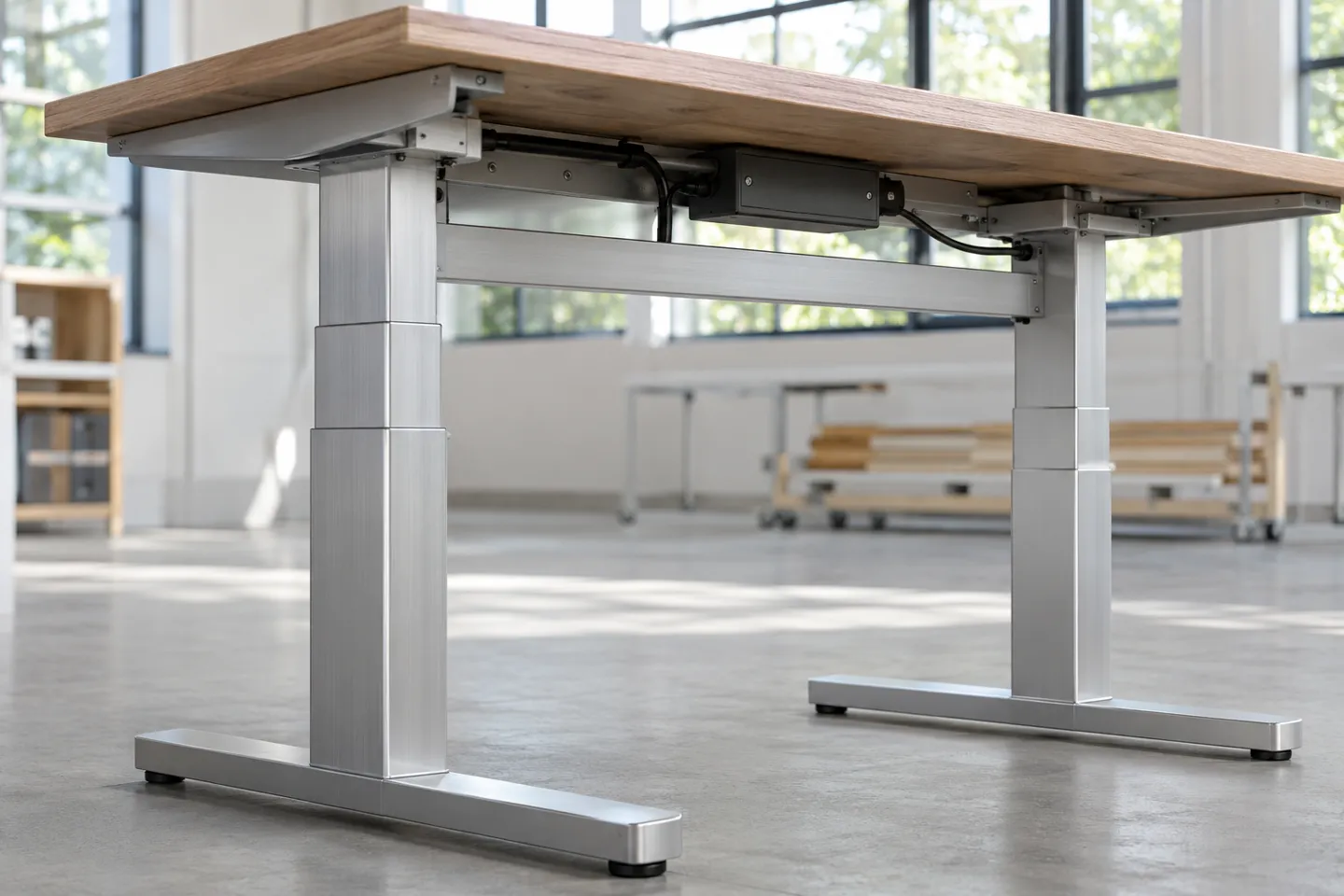
A two-column electric desk runs on five working modules plus hardware:
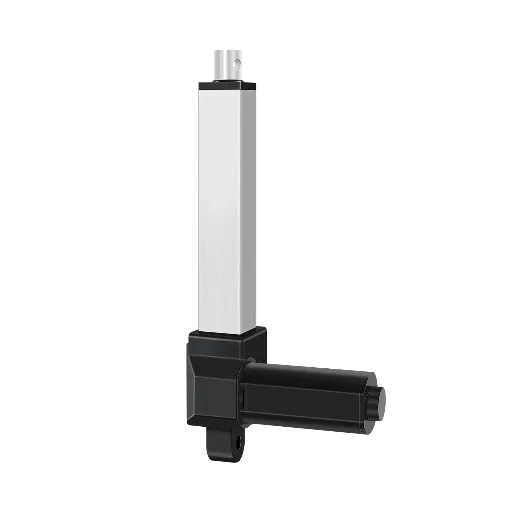
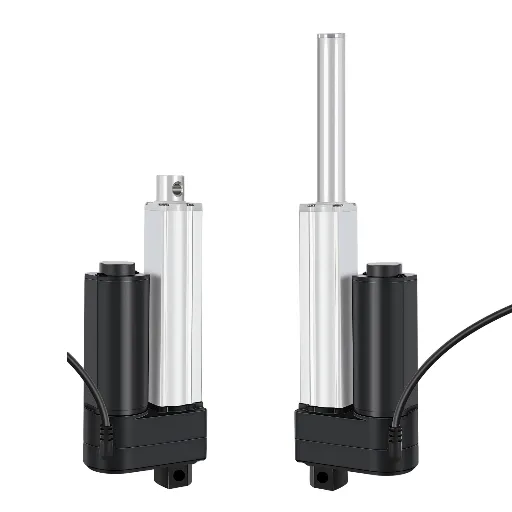
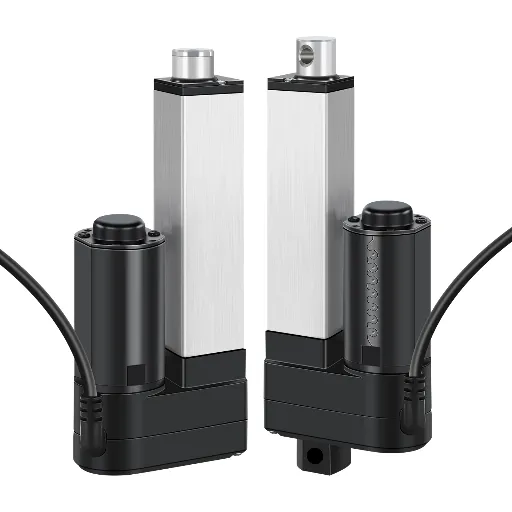
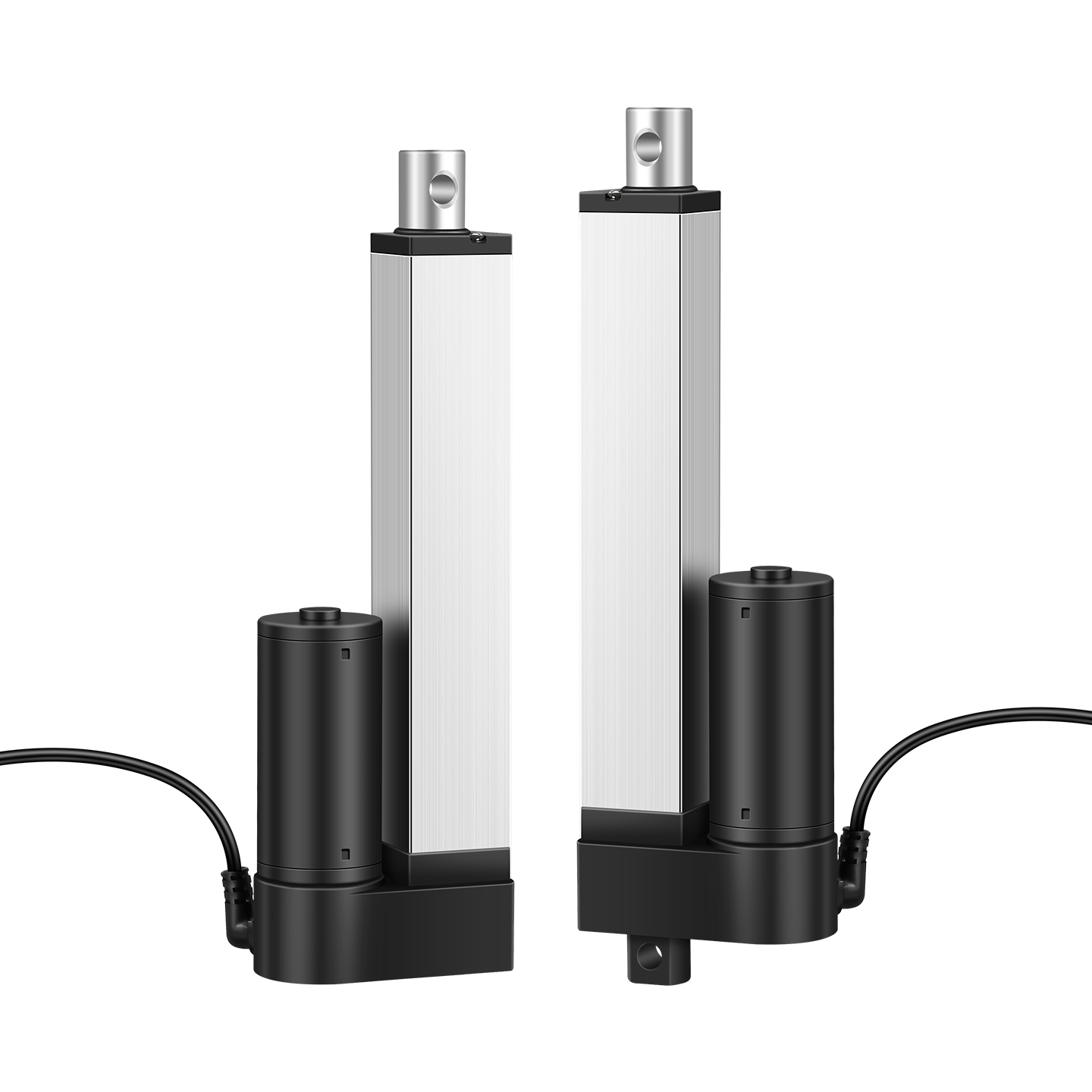
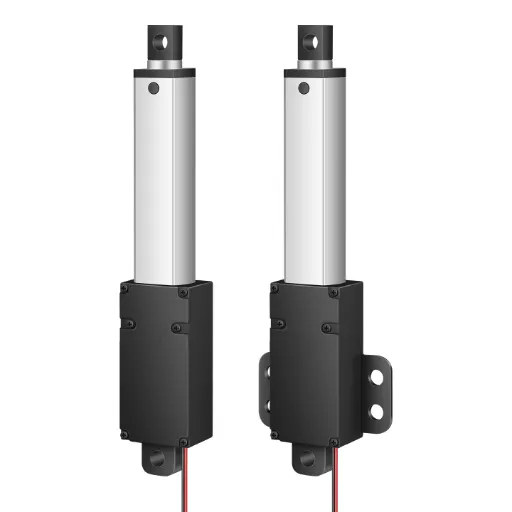
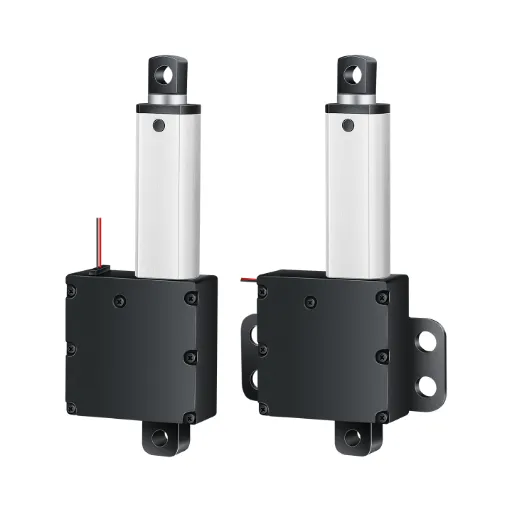
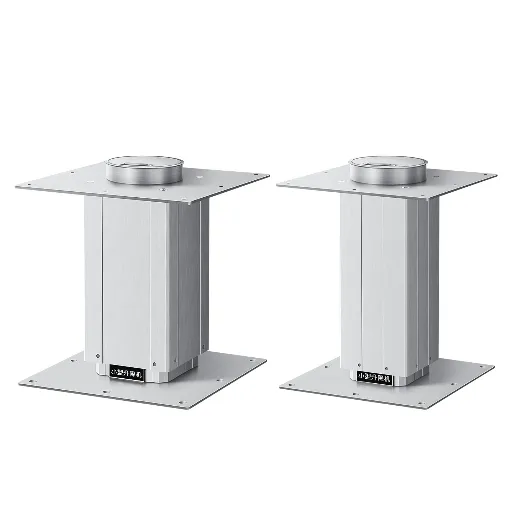
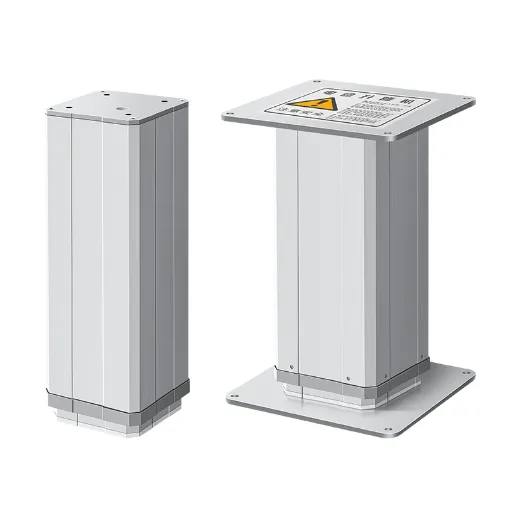
- Lifting columns (the telescoping legs). Two-stage or three-stage tubes with a motor and a lead screw inside each, or one shared motor in single-motor designs.
- Control box (the box bolted under the desktop). The brain. It reads the handset, drives the motors, and decides what “level” means.
- Handset (the paddle or panel you press). Cheap, replaceable, and less often the culprit than people hope.
- Power adapter (the brick in the wall circuit). The desk runs on low-voltage DC, typically a 24V or 29V rail (FIRGELLI Automations, 2026).
- Wiring and connectors, plus the structural bits: crossbars, feet, mounting screws.
Each module fails in its own dialect. Total silence usually points at the wall or the adapter. Lights on but no movement points at the control box or the handset. One side moving while the other stays put points at a column or a sync problem. A flashing code points at whichever module the firmware suspected, and the next two sections are about finding out which.
Symptoms, Diagnosis, and the Truth About Resets
Most guides stop at “check compatibility and call the manufacturer.” That advice fails the moment your desk is out of production, or the moment you bought it secondhand. Both cases describe a large share of the people asking for help. Diagnosis comes first, and it has a natural order.
Work From the Wall Outward
Electricians troubleshoot this way because it works: eliminate the cheapest and simplest suspects before opening anything.
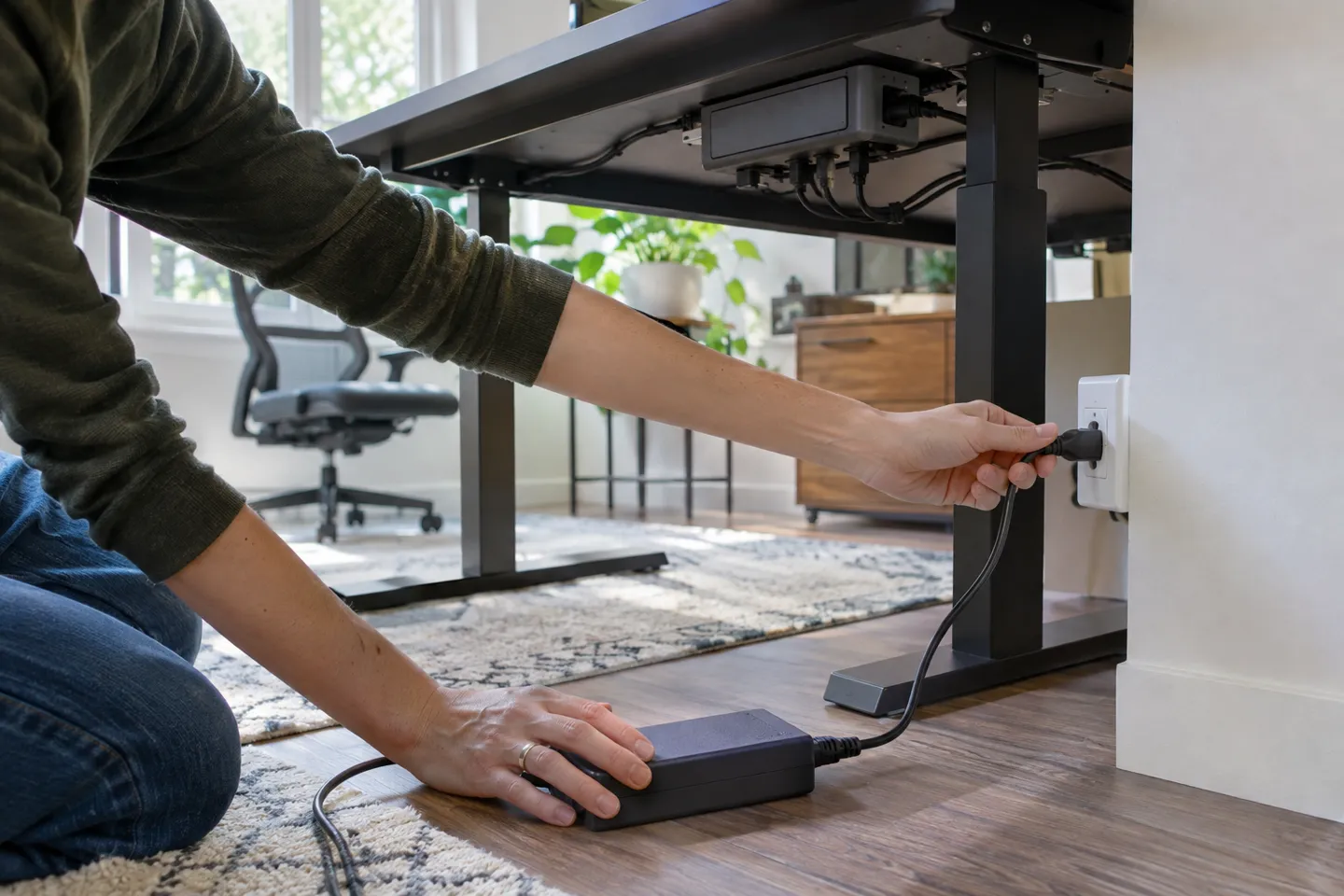
Plug the desk into a different wall outlet, bypassing any surge strip.
Check the power adapter for a status LED and warmth; a cold brick or one that clicks off points at the power side.
With the desk plugged in, listen at the control box for a relay click when you press down.
Swap or borrow a known-good handset if the display is blank or buttons feel dead.
Unplug, then push gently on each column by hand; grinding or hard resistance means mechanical trouble inside that column.
Five steps, ten minutes, no screwdriver. In a typical thread you will find three people chasing a dead control box that turned out to be a tripped breaker or a tired adapter. The order matters because every step after the first costs more time and money than the one before it.
The Reset Sequence, and Why It Sometimes Lies
Most advice says unplug the desk, wait, then hold the down arrow. That works on some desks. On many others, the version that actually works is holding up and down together until the desk drives itself all the way to the bottom and stops (r/StandingDesk, 2023). Some desks want a 30-second hold while unplugged to drain the control box. One recurring report describes flipping the household breaker twice and getting the desk back.
Why the disagreements? Firmware and batches differ, sometimes within the same brand. The reset is a calibration routine, and different production runs ship with different routines. This is also why one comment section under a single E04 post collected more than a dozen “worked for me” replies. They came from people with different desks. The hold-both-buttons routine happens to trigger a similar re-homing cycle across a lot of cheap control boxes.
The honest boundary: a reset fixes calibration and software-state problems. It does not resurrect a burned motor or a cracked board. One failed reset means move on to the diagnosis order above, not ten more attempts.
If the desk is stuck high with a real load on it, get the desktop down before any other troubleshooting. Hold the down direction through the full lowering routine, clear people and equipment first, and never pry or lift a loaded desk by hand while the columns are engaged.
Error Codes Are Private Dialects
E04 on one desk meant a flaky connector between the handset and the control board. A user there resoldered the connector and got years back (r/StandingDesk, 2023). On another desk, the same code showed up while the desk ignored every command. The same thread also documents the darker pattern: a manufacturer that confirmed the control box needed replacement and then refused to supply one because the model had been discontinued. The buyer had purchased the desk secondhand, so the offered refund would not even reach them.
Error code tables are model-private. Your fastest route is your own manual, then the brand’s support page, then a forum search for your exact model and code. Treat any generic code chart on the open web as a rumor until your manual confirms it.
The stuck desk has its own cautionary tale. A dual-motor desk in that same discussion died with the desktop frozen upright, one month past its warranty. The failure was a main board defect the commenter described as known (r/StandingDesk, 2021). The user guessed wrong about which module had failed, paid for a handset first, and the desk never moved again. Diagnosis order exists precisely so the expensive guess is not the first one you make.
Why the Same Plug Doesn’t Mean the Same Part
So you diagnosed a dead control box, found one on a marketplace with identical connectors, and a commenter said do not buy it. Here is the mechanism behind that warning, because it decides every sourcing decision you will make.
What the Box Is Actually Paired To
A control box is not a generic power stage. It runs a program written for a specific family of columns, and that program carries at least three parameter groups:
| Parameter group | What it carries | What goes wrong when it mismatches |
|---|---|---|
| Hall sensor profile | Number and order of position-sensor signal pairs per column | Travel counting breaks; levels drift; desk refuses to move |
| Stroke mapping | Minimum height, full travel length, per-column offsets | The box guesses height wrong; memory presets land at wrong positions |
| Motor drive profile | Current limits and drive timing for the specific motors | Stalls, humming without motion, or in the worst case a burned board or motor |
A control box never actually knows the desk’s height. It takes the lowest calibration point, adds the programmed travel of the columns, and computes everything else from pulse counts (r/StandingDesk, 2024). Change the columns without reprogramming the box and the arithmetic is simply wrong from the first inch.
A Debug Log Worth Reading
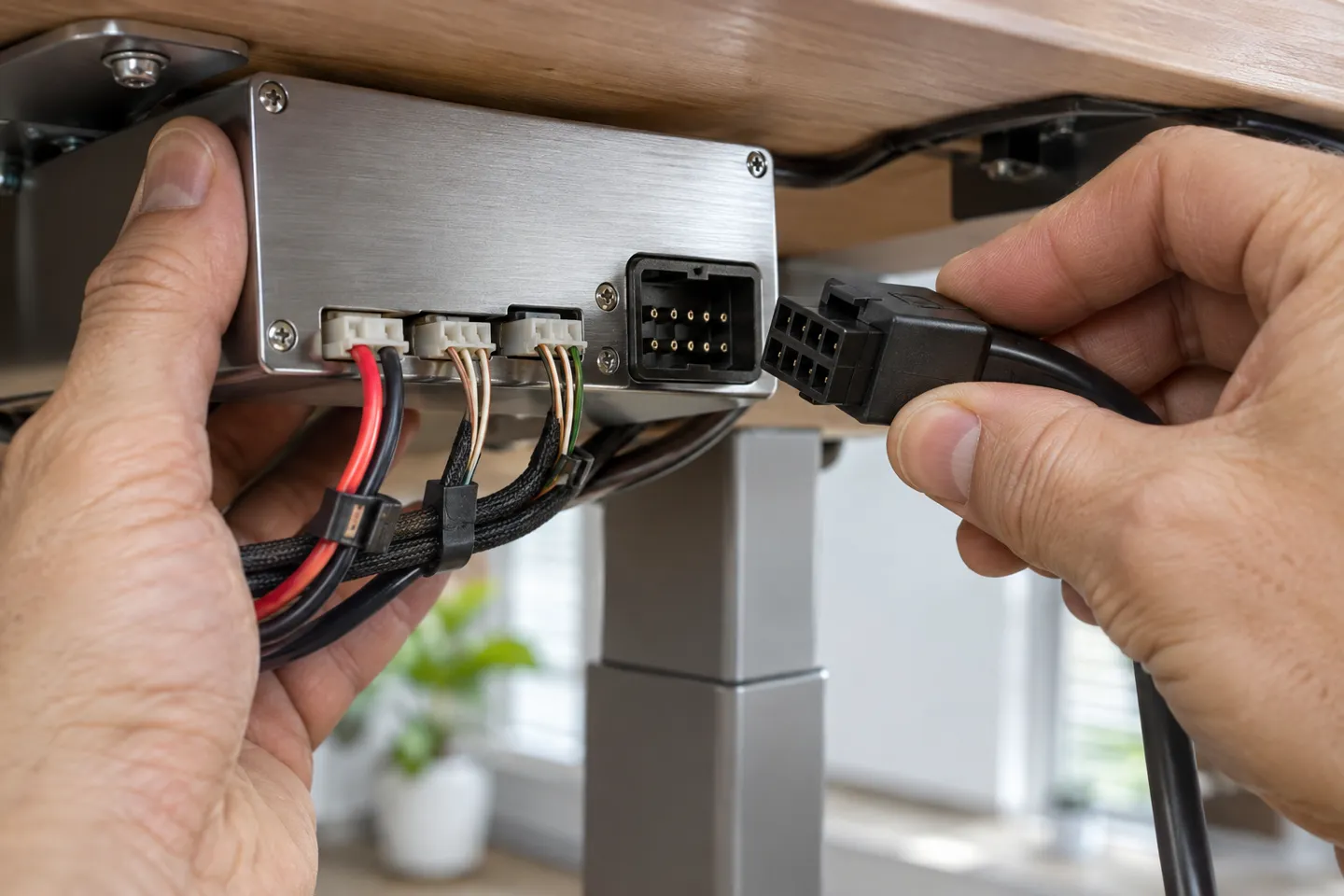
One buyer with a missing control box traced the supply chain from a used Wayfair desk. The seller was useless, but the control box maker turned out to be helpful, and the box maker identified the actual frame and actuator factory. The buyer ended up with the real interface documentation. On that desk, a 6-pin motor connector carried two hall sensor signal pins, sensor power, ground, and a motor drive pair (r/StandingDesk, 2024). That is the level of detail a working replacement depends on, and no marketplace listing shows it.
The same discussion contains the sentence that should be printed on every replacement listing. Even the identical control box model from the same manufacturer may not be programmed for your columns. Batch programming differs. The warning is not paranoia; it is factory reality.
The pairing lives in the firmware, not in the plug.
That single line is the whole compatibility problem. Two identical-looking connectors can carry different sensor orders, different drive profiles, different travel constants. When a replacement works, it is because someone matched the program, not because the plastic fit.
Repair or Replace: The Real Math
The numbers, when you can get them, favor repair more often than people expect. A control box ran about $50 and a handset anywhere from $10 to $32.99 depending on when the buyer asked (r/StandingDesk, 2021). Against a commercial desk that runs $800 to $2,500 (FIRGELLI Automations, 2026), a $60 repair is nothing. The catch is time. One buyer in that thread waited around three months for a keypad to come off backorder, with the desk pinned at its lowest position the entire time.
So the order of operations is fixed: diagnose first, confirm which module, then source the part. A $60 guess that turns out wrong is worse than a $250 desk, because a wrongly programmed box can damage the columns it misdrives.
Ask the seller before you buy a replacement control box
| Check item | Why it matters | What a good answer sounds like |
|---|---|---|
| Column make and model the box was programmed for | Pairing is per column family | “Written for these columns, here is the list” or a straight no |
| Hall sensor count and order | Position counting depends on it | Matches your column spec sheet |
| Stroke and height constants | Height math is programmed, not measured | They can state min height and travel |
| Return policy on mismatch | Mismatched boxes can damage columns | Restocking refund, not store credit only |
When Replacement Works, and When It Doesn’t
Some failures are one marketplace order away from fixed. Others are genuinely dead ends, and knowing which one you are in saves weeks. The matrix below compresses the recurring cases from repair forums into one view.
Replacement reality by module
| Module | Symptom usually points here | Cross-brand swap | Risk if your model is discontinued | DIY fixable? |
|---|---|---|---|---|
| Power adapter | No lights, dead desk | Often yes, match voltage and connector | Low risk | Usually yes |
| Handset | Blank display, dead buttons | Sometimes, protocol differences exist | Low risk | Often yes |
| Control box | No response with power present | Rarely, pairing is programmed per column | Very high | Only with matched programming |
| Column with motor | One side dead, grinding, drift | No, motor and tube are one assembly | High | Motor swap only for the skilled |
| Wiring and connectors | Intermittent, one-leg failures | Yes within the same system | Low risk | Usually yes |
| Structural hardware | Wobble, loose joints | Yes, fasteners are standardized | Minimal risk | Yes |
Three situations have no good ending. First, the desk is discontinued and the brand refuses to sell modules, which the E04 thread documents in full (r/StandingDesk, 2023). Second, the desk was bought secondhand and support demands the original order number, a policy multiple buyers in the Autonomous thread ran into (r/StandingDesk, 2021). Third, the part you need is pairing-locked and no matched program exists for your columns at any price.
When the front door is closed, three side doors remain. Reverse-engineer the supply chain from the labels. The stickers on your control box and columns name factories, and in one documented case the box maker identified the frame factory that made the desk (r/StandingDesk, 2024). Mine the forums for your exact model, because someone usually found a parts seller or an eBay store that breaks kits. And weigh a module transplant. A complete used frame of any brand is sometimes cheaper than chasing one orphaned board, and the desktop you already have moves over in an hour.
If no matched part exists for your columns, the factory that programs its own boxes can build the match: Hoodland ships paired columns and controllers as one system, from a single unit.
Ask Hoodland about your modelChoosing Parts That Outlive the Desk
If you are building your own desk, or choosing a new one by what is inside it, the same pairing logic turns into a quality checklist. The framing changes from “will it work” to “will it still work in year five.”
The single-versus-dual decision is about synchronization, not just power. A single motor drives both columns through a mechanical linkage. That linkage caps practical desktop widths and locks out L-shaped layouts. Dual-motor desks let each column run independently while the control box holds them level. They are generally a few decibels quieter and faster through the stroke (FIRGELLI Automations, 2026). The mechanism underneath matters more than the count. A column is a guided structure carrying side loads from leaning and forward-mounted monitors, not a simple push rod. The guide design is what wears out when the desk gets used hard.
Three parameters separate columns that last from columns that fail early. Side-load guidance: ask how the stages are guided, because side loading destroys bushings long before lifting force does. Cycle endurance: full-load endurance runs around 10,000 cycles are a common yardstick in component catalogs. Desk-level standards put that claim to the test. ANSI/BIFMA X5.5-2021 runs height-adjustable desks through repeated-cycle stability and strength testing (BIFMA, 2021). European buyers will see the same intent in EN 527-2:2016+A1:2019, the standard for desk safety, strength, and durability (iTeh, 2019). Some component makers publish design targets beyond that yardstick, sometimes 20,000 or 30,000 design-rated cycles. It is fair to ask a seller for the number behind their claim. Position feedback: hall sensors hold memory positions and synchronized movement accurate to about a millimeter class. A desk that drifts more than roughly 3 millimeters across its stroke has a sync or load-distribution problem worth returning (FIRGELLI Automations, 2026).
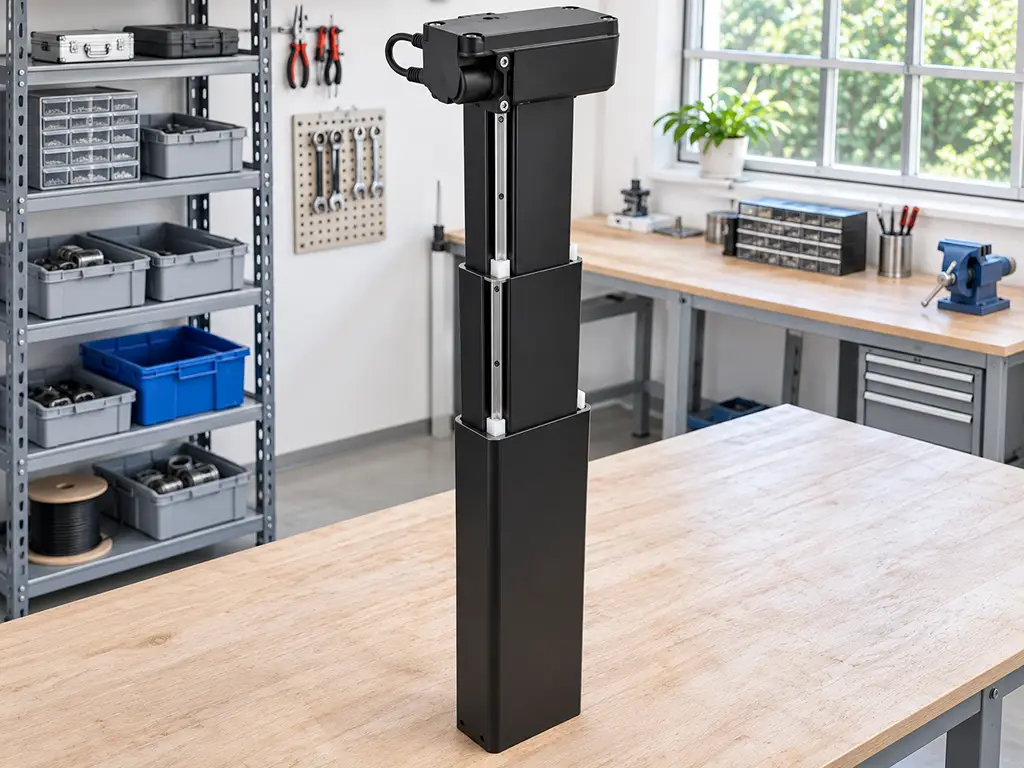
Assembly details decide whether good parts fail anyway. Set pilot holes at about 70 percent of screw root diameter in hardwood. Set flanges a few inches in from the desktop edge. Leave a service loop of roughly 18 to 24 inches on every cable that crosses the travel range. Then retorque the mounting screws one week in (FIRGELLI Automations, 2026). Manual-crank columns are worth a line as well. No electronics to orphan, useful where power is unreliable or the budget is tight, at the cost of speed and presets.
Acceptance test before you trust the desk
- Run 10 full unloaded cycles listening for binding
- Load the desk and check level at low, mid, and high, holding within about 2 mm
- Lean on the front edge at standing height and confirm no tipping or false auto-reverse
- Recheck every flange screw after one week of use
What This Means If You Sell the Desks
Everything above reads, from the consumer side, as bad luck with one brand or one desk. From the brand side it reads differently. Every orphaned control box in those threads is a one-star review for whoever sold the desk. The blame usually lands on a company that never made the desk in the first place. The frame factory and the controls factory are frequently two different suppliers. Whoever assembles the product pairs them, and when one of them goes quiet the pairing responsibility evaporates with it.
That is a purchasing problem with a known shape. Buy columns, control box, and handsets from one supplier as one matched system. The pairing program then becomes that supplier’s obligation rather than a gap between two of them. Write three things into the purchase terms: who owns pairing compatibility, how many years discontinued models keep receiving spare modules, and whether spare parts carry a minimum order quantity. Then verify the claim that matters most: whether the supplier programs its own controllers in-house. A supplier that cannot program the pairing cannot accept responsibility for it. The audit is cheap: send one desk model’s worth of questions from the compatibility table above and judge how fast the answers arrive.
If you are evaluating suppliers rather than rescuing a desk, this is where the checklist becomes a sourcing brief. We build the whole lift system, columns and controls together, at Hoodland. Our controllers are programmed in-house for the columns they ship with, so the pairing question is settled before anything leaves the factory. Custom strokes, loads, and mounting interfaces are available from a single unit with no minimum order. Samples ship in one to three days, which makes running the audit above something you can start this week.
Source the whole lift system from one factory
Hoodland builds columns, control boxes, and handsets together, with controllers programmed in-house for the columns they ship with. Custom strokes, loads, and mounting from a single unit; samples ship in one to three days.
References
- BIFMA. “ANSI/BIFMA X5.5-2021 Desk and Table Products.” 2021. https://www.bifma.org/page/StandardsShortDesc
- iTeh. “EN 527-2:2016+A1:2019 Office furniture. Work tables. Safety, strength and durability requirements.” 2019. https://standards.iteh.ai/catalog/standards/cen/3bb6c76c-1d1d-441c-8102-8f195413e5c5/en-527-2-2016a1-2019
- r/StandingDesk. “Standing desk no longer works (E04) Looking for replacement control box.” 2023. https://www.reddit.com/r/StandingDesk/comments/10wbout/standing_desk_no_longer_works_e04_looking_for/
- r/StandingDesk. “Needing to replace control box.” 2024. https://www.reddit.com/r/StandingDesk/comments/1bdxe53/needing_to_replace_control_box/
- r/StandingDesk. “Where to buy replacement parts of Autonomous Standing Desk?” 2021. https://www.reddit.com/r/StandingDesk/comments/l5nbhn/where_to_buy_replacement_parts_of_autonomous/

 English
 Chinese